Requirements Traceability Matrix (RTM) for PMs: Control PRD Changes Without Slowing Delivery
Use a lightweight RTM to prevent PRD drift, link requirements to stories, and approve changes with evidence.
PRD drift is the quiet reason roadmaps slip
"It’s a small tweak. We can squeeze it in."
That sentence is how many timelines start to slide. PRD drift rarely looks dramatic—it's a steady accumulation of tiny changes, scattered across chats, docs, and meetings. By the time the team notices, the roadmap is already off.
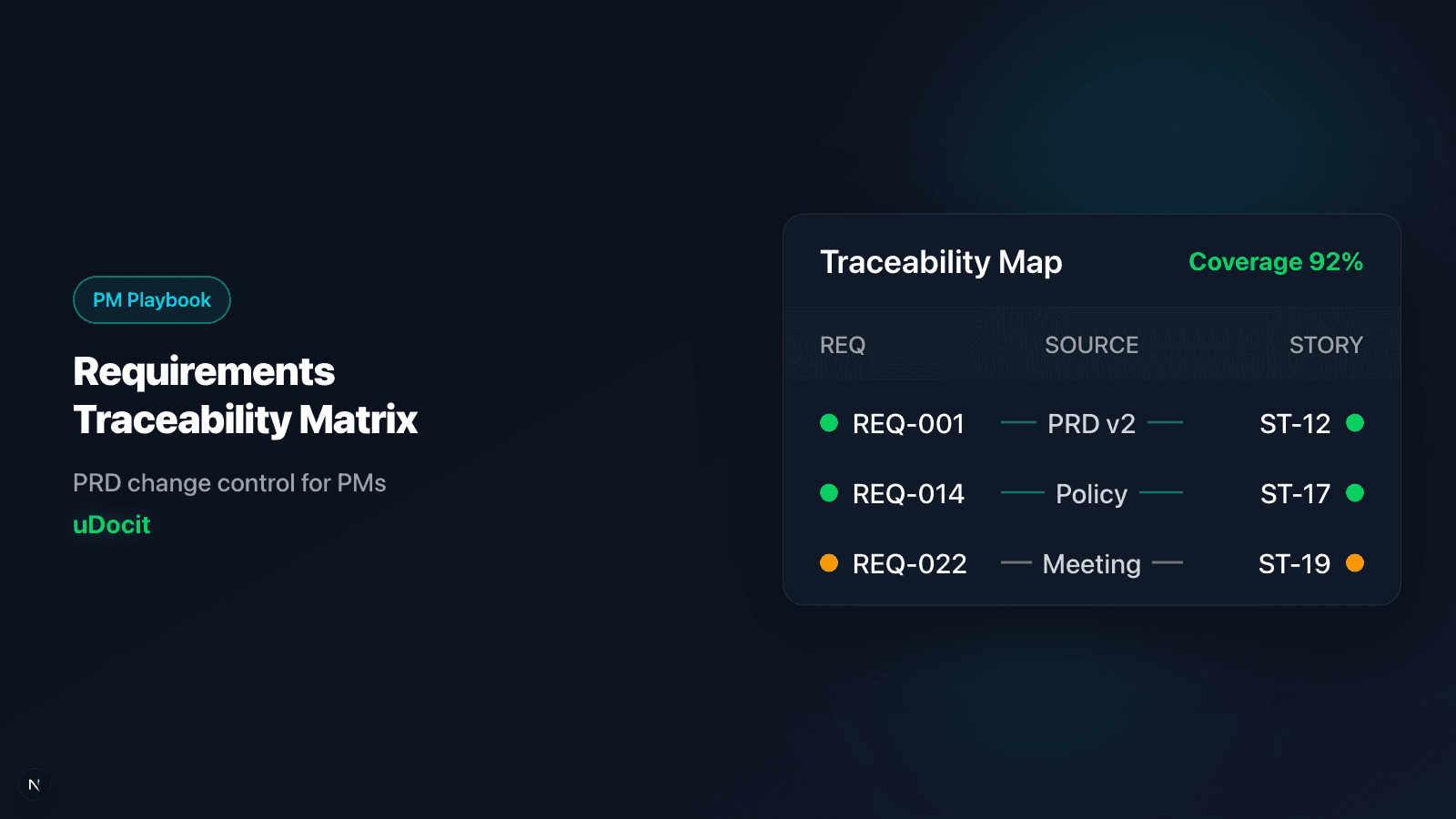
This is why product managers rely on a Requirements Traceability Matrix (RTM). It’s not paperwork. It’s a change-control system that keeps PRD, stories, and delivery in sync.
Why PRD drift keeps happening
- Fragmented sources — Slack, email, docs, meeting notes.
- “Small changes” without approval — no audit trail.
- Ambiguous wording — “should,” “maybe,” “nice to have.”
- No linkage to stories — impact is invisible until late.
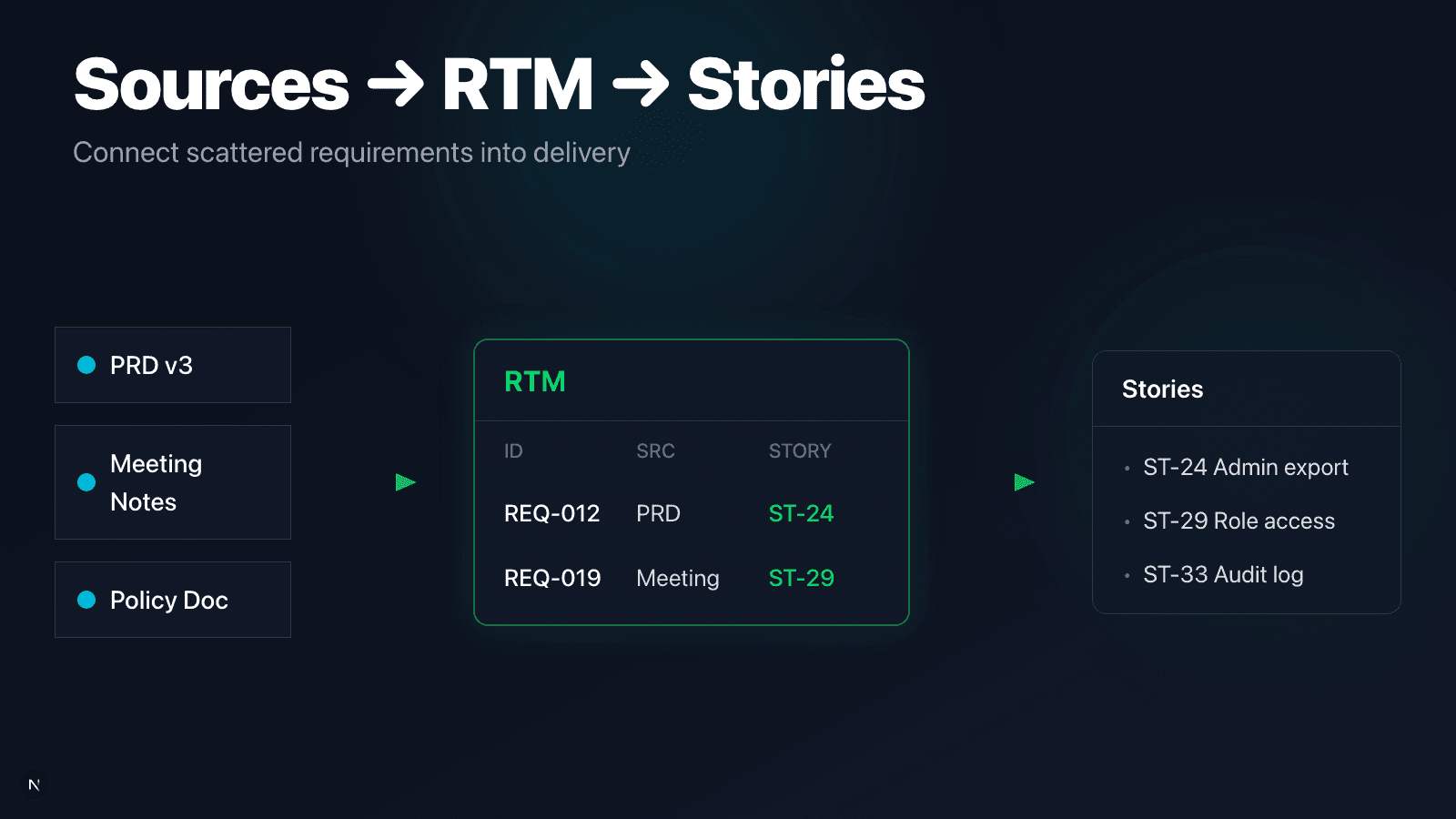
RTM fixes this by giving each requirement a home, a status, and a link to delivery.
RTM is a control system, not paperwork
An RTM gives you three things every PM needs:
- A single view of approved requirements
- Instant impact check for change requests
- Ownership + version history when disputes happen
If you can’t point to a requirement ID, you’re negotiating from memory.
Minimum RTM columns (30-minute setup)
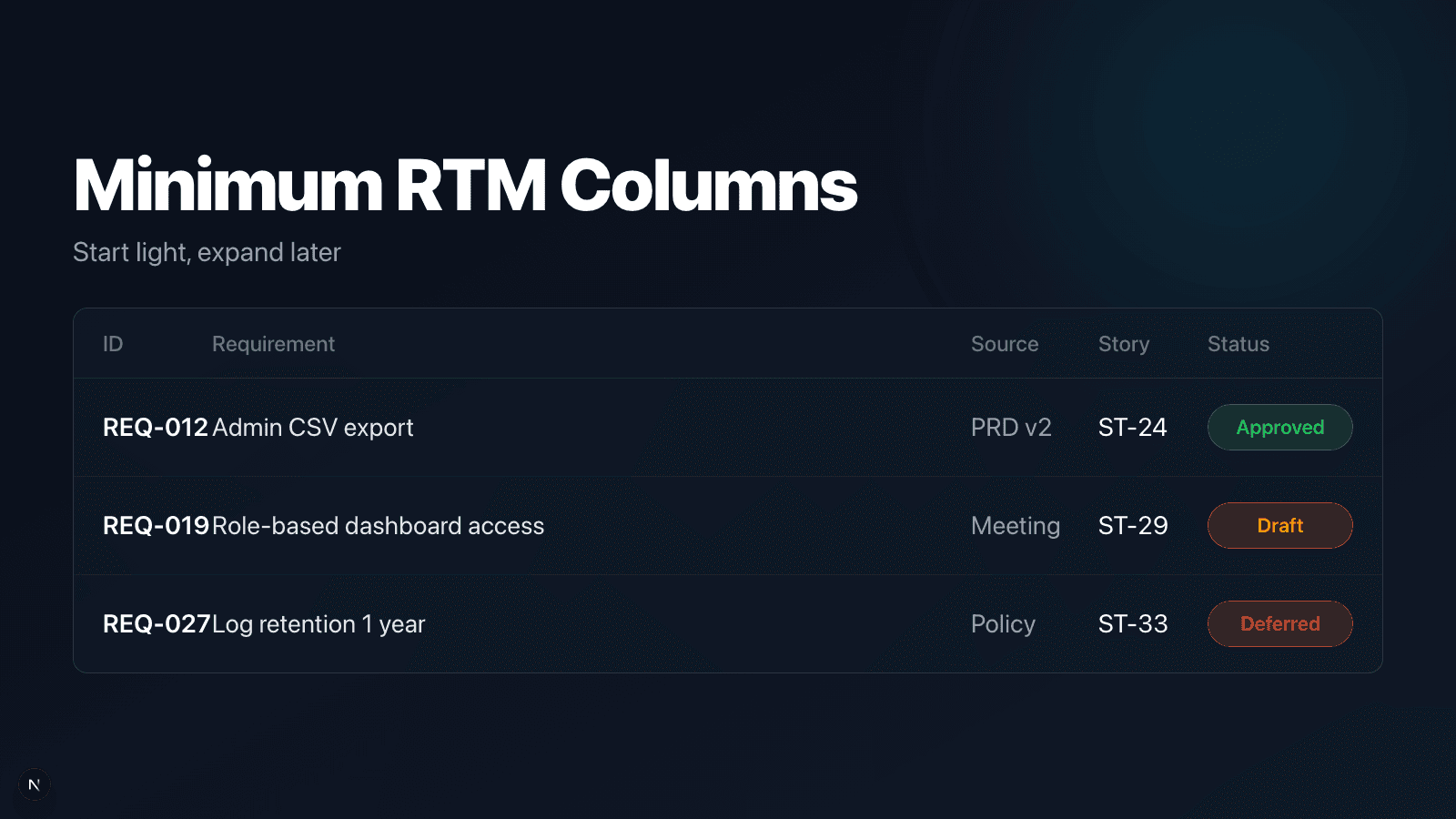
Start with a lightweight table—no templates needed.
| ID | Requirement | Source | Linked story | Status | Evidence |
|---|---|---|---|---|---|
| REQ-012 | Admin can export CSV | PRD v2 §3 | ST-24 | Approved | “Monthly reporting” |
| REQ-019 | Role-based dashboard access | Meeting 01/03 | ST-29 | Draft | Action items doc |
When you’re ready, add columns for Owner, Acceptance Criteria, and Risks/Assumptions.
5-step RTM setup for PMs
- Gather sources (PRD, notes, policy docs, stakeholder emails)
- Normalize requirements into short, testable statements
- Assign IDs and define status (Draft / Approved / Deferred)
- Link to stories + acceptance criteria
- Log every change request as a new row or version
Keep it simple and keep it alive.
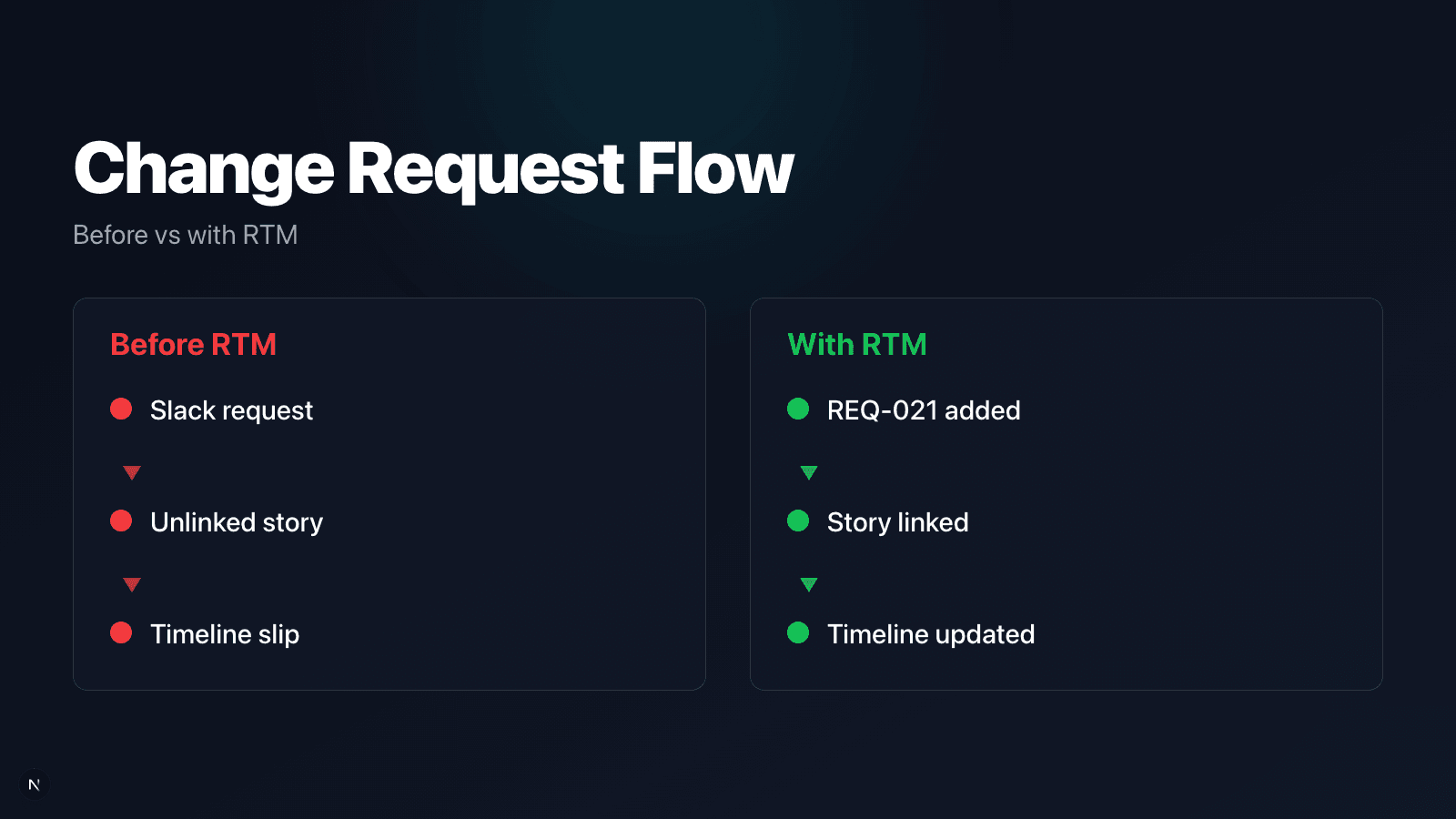
Change request flow: before vs after RTM
| Before | With RTM |
|---|---|
| Changes arrive in Slack | Changes become new requirement IDs |
| Scope is debated from memory | Impact is reviewed via linked stories |
| Timeline slips silently | Change rationale is recorded |
Key takeaway
RTM doesn’t slow delivery—it protects it by making changes explicit.
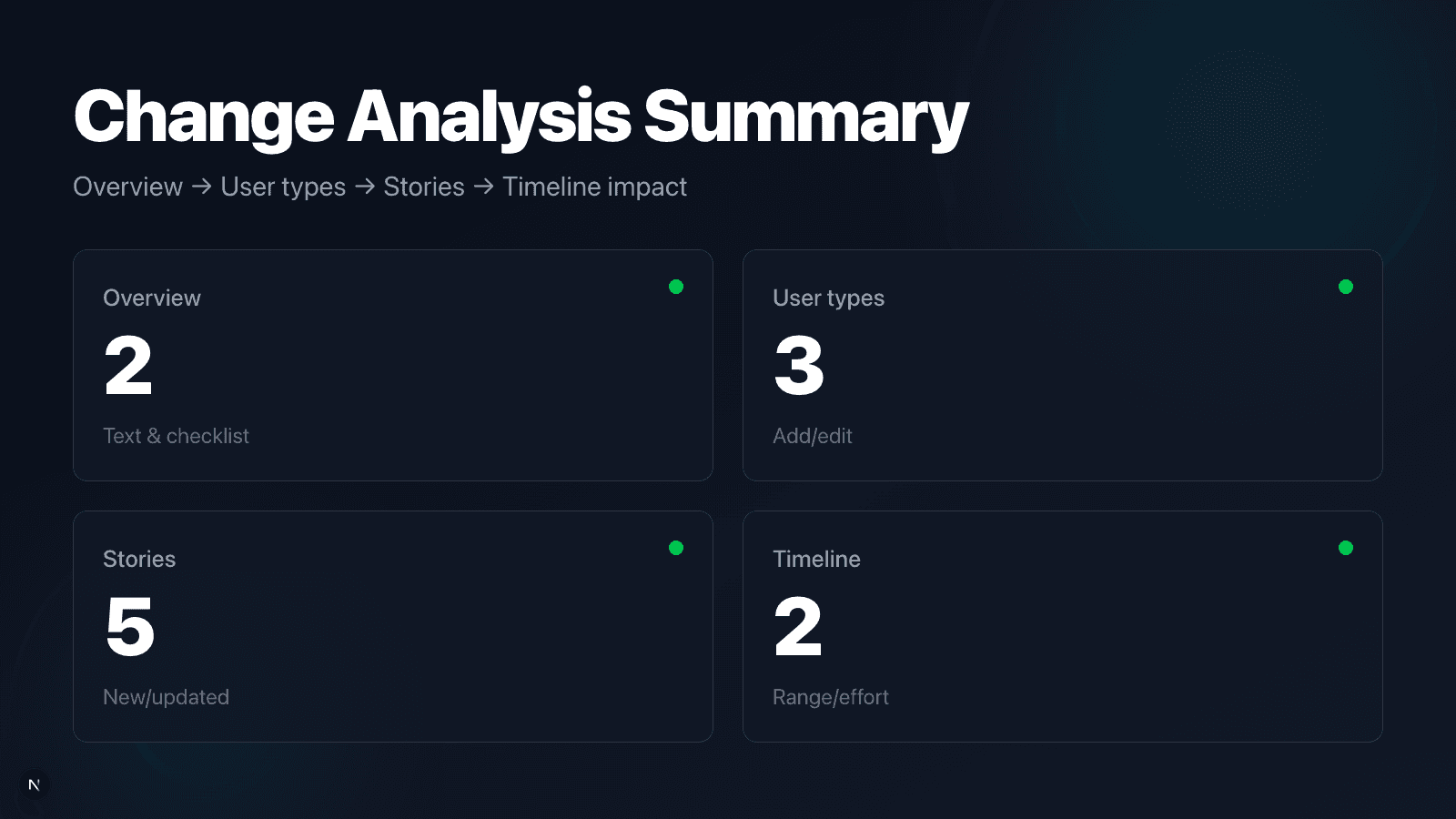
When a new document arrives, review change impact by section
uDocit compares the new source with the current baseline and summarizes how many changes touch Overview → User Types → Stories → Timeline. In Project Completion, sections with new changes are highlighted so you can review diffs before applying updates.
A one-line RTM template (copy/paste)
Requirement ID | Requirement | Source | Story Link | Status | Evidence | Last Updated
You can manage this in Sheets, Notion, or your product hub.
How uDocit supports RTM signals
uDocit automates the parts PMs usually have to do manually:
- Extracts risks and assumptions from source docs
- Maps document items → stories as coverage signals
- Runs Document Change Analysis to surface diffs across overview, user types, stories, and timeline
Use RTM as the backbone, and let automation keep it current.
Final thought
You don’t need a heavyweight spec process to prevent PRD drift. You just need traceability.
Start with a lightweight RTM, keep it updated, and your roadmap becomes defensible—even when requirements change.