
Beyond Generation: Co-edit your Product Specs with AI
Chatbots are great, but context is better. See how uDocit's new AI features help you refine, edit, and perfect your requirements without losing context.
The "Blank Page" Problem is Solved. Now What?
"Okay, the AI generated a draft. But I need to change the third paragraph, add a user type, and make the tone more professional."
Generative AI is amazing at getting you from 0 to 1. But getting from 1 to 10—the refinement phase—is where most chat interfaces fail. You end up copy-pasting text back and forth, losing version history, and explaining the same context over and over.
We believe AI shouldn't just be a writer. It should be an editor.
Feature 1: Wizard Context Refinement
When you are setting up your project in the Wizard, uDocit generates a lot of data: user types, core journeys, features. Sometimes it nails it. Sometimes it needs a nudge.
Now, you can select any generated result and seamlessly "feed" it back to the AI as context.
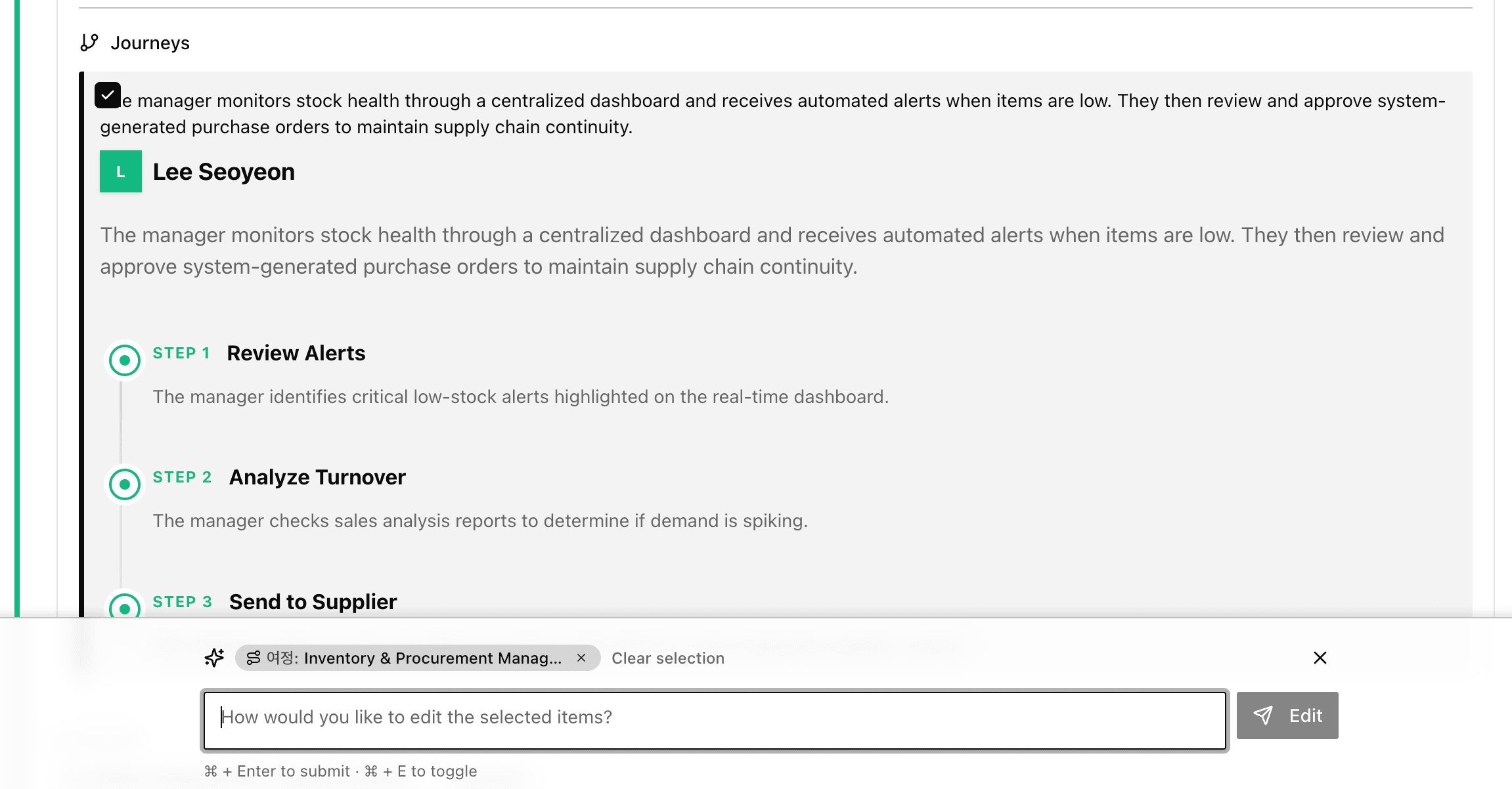
Instead of saying "Rewrite the user types," you can say:
"Keep the 'Admin' user type as is, but split 'Customer' into 'Guest' and 'Registered User'."
The AI knows exactly what you are referring to because the context is pinned right there in the chat.
Feature 2: Project Copilot
Once your project is built, the documents get complex. You have a PRD, User Stories, timelines, and risk assessments. Asking a generic chatbot "How is my project?" usually gives a generic answer.
Our new Project Copilot lives inside your project workspace. It sees what you see.
You can:
- Ask global questions: "Do our User Stories cover the 'Guest Checkout' feature?"
- Add artifact context: Click to attach your "Risk Assessment" doc to the chat.
- Request direct edits: "Rewrite the Acceptance Criteria for Story #4 to be more strict."
The Context Loop
Why does this feel better than ChatGPT? Because of The Context Loop.
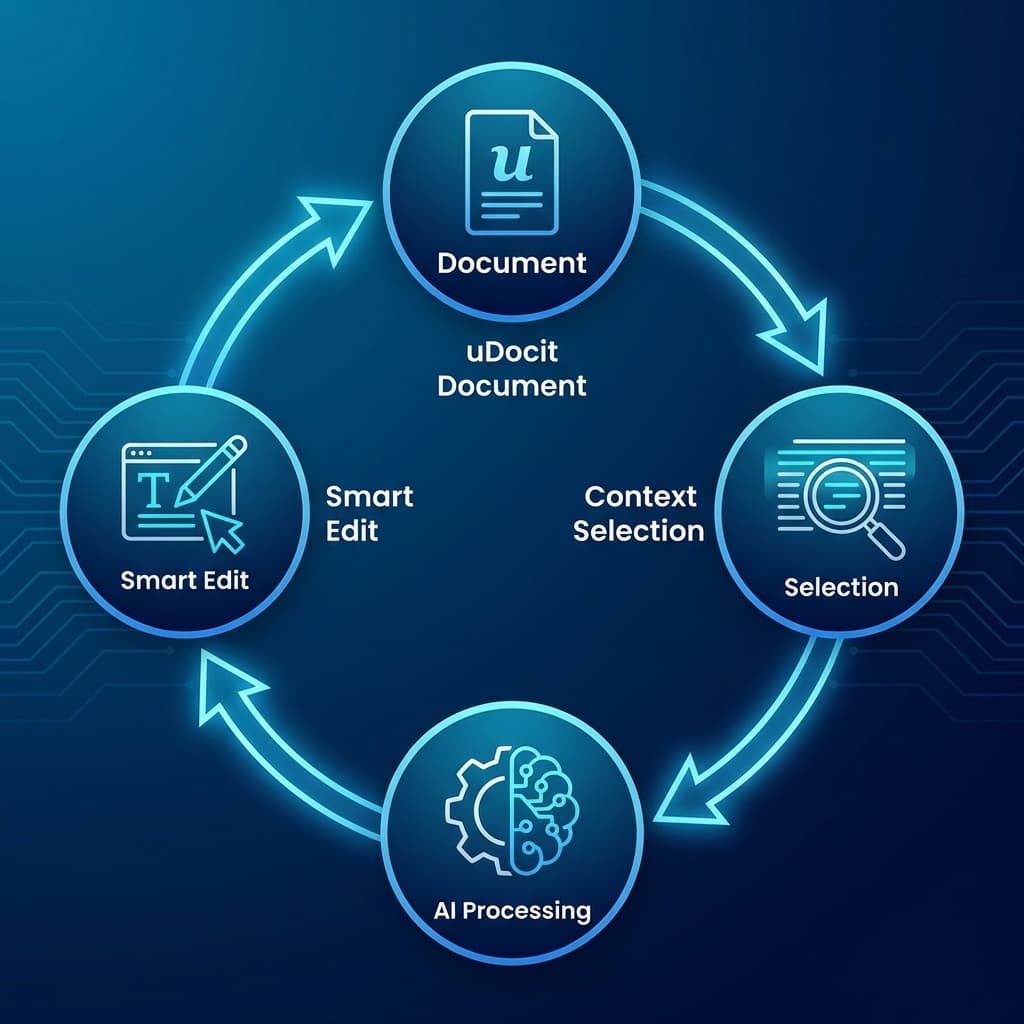
- Document Content: The AI reads your live docs.
- Context Selection: You pinpoint what matters.
- AI Processing: Intelligence is applied specifically to your selection.
- Smart Edit: The result is applied directly to the document, not just dumped in a chat window.
Analysis: The "Chat Amnesia" Problem
We've all been there. You have a long conversation with an LLM about your product. It writes a perfect User Story. Three days later, you come back to the same chat to write the next story. It has forgotten the persona. It contradicts the database schema you agreed on.
This is "Chat Amnesia." Standard chat interfaces have a Rolling Context Window. As you talk more, the oldest (and often most important) definitions fall off the cliff.
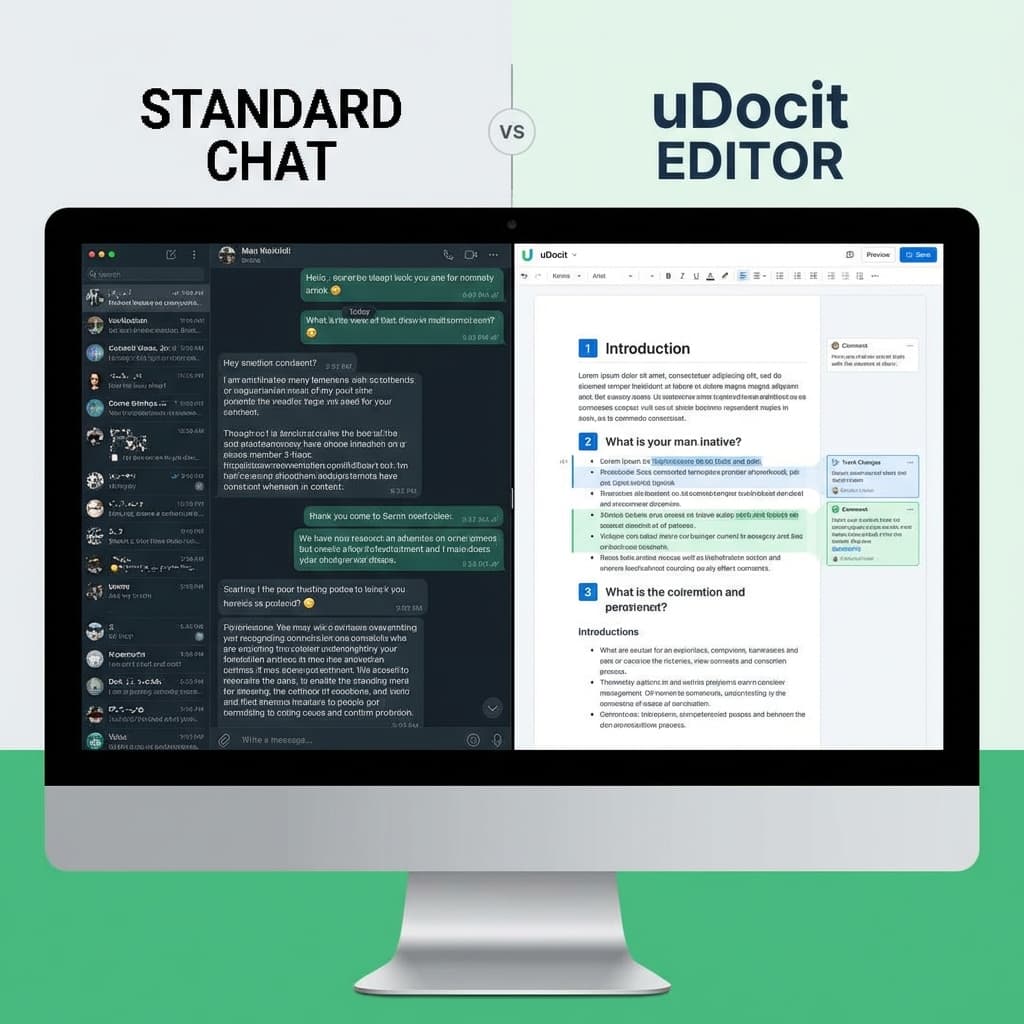
uDocit solves this with Anchored Context. Because the AI is integrated into the document editor, the "Truth" isn't in the chat history. It's in the document itself. When you edit a feature, the AI looks at the current state of the PRD, not what you talked about last Tuesday.
Deep Dive: Editor-First Architecture
How does this actually work? We don't just send your text to an LLM. We built a Context Injection Layer.
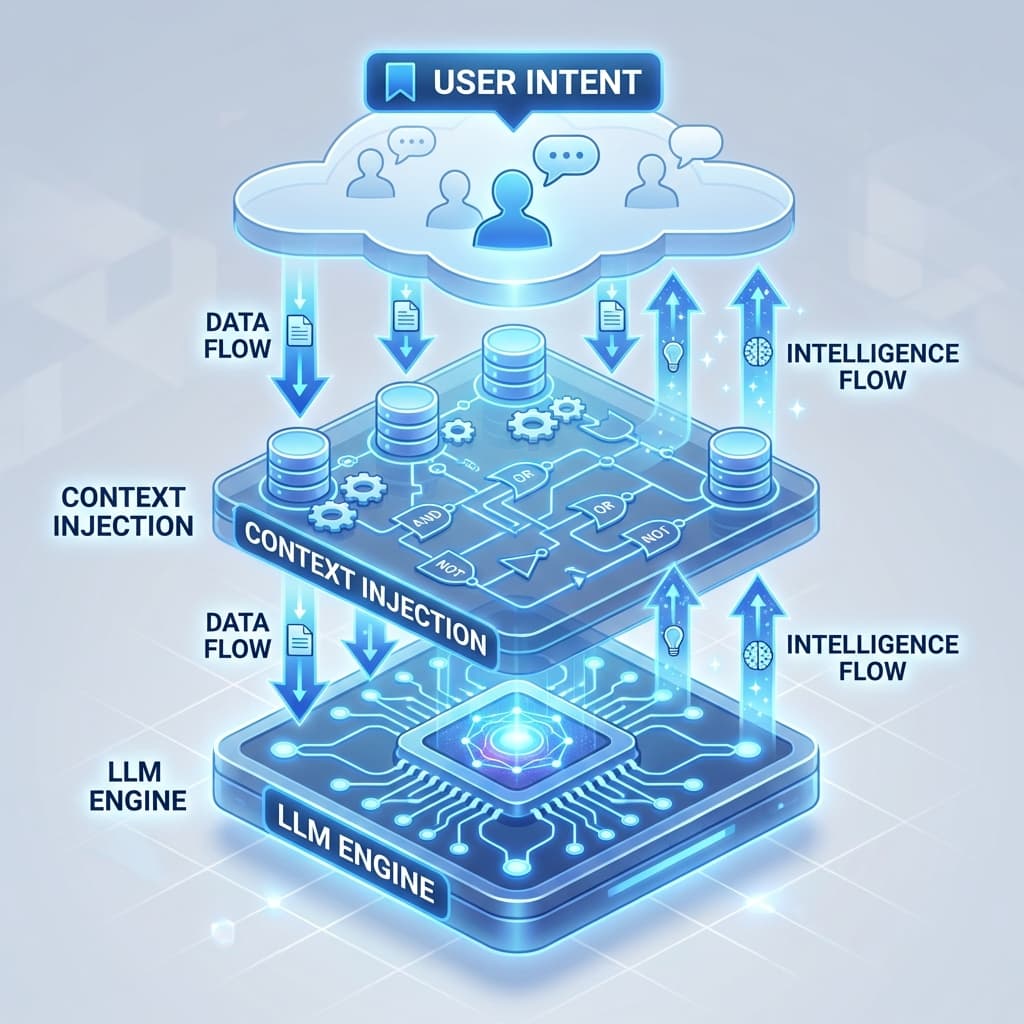
When you ask for an edit:
- Intent Analysis: We figure out if you are changing a structure (e.g., adding a column) or content (e.g., rewriting text).
- Smart Retrieval: We pull relevant parts of your project (e.g., "Related User Stories") without sending the whole database.
- Structured Output: The LLM returns a JSON patch, not just a blob of text.
- Application: The editor applies the patch surgically.
This architecture is why uDocit feels like a tool, not a toy.
Chatbot vs Co-writer
| Feature | Standard Chatbot | uDocit Co-writer |
|---|---|---|
| Memory | Session-based (Temporary) | Project-based (Permanent) |
| Output | Text Block (Copy-paste required) | Document Update (Direct application) |
| Context | User-provided (Manual) | System-injected (Automatic) |
| Hallucination | High Risk | Low Risk (Grounded in Spec) |
A Note on Privacy
We know that Product Specs contain sensitive trade secrets. Your data is isolated. When we use AI features, your document context is sent securely, processed, and immediately discarded by the model. We do not train our models on your proprietary product data.
Try the new flow
These features are live in uDocit today. Start a new project to see the Wizard actions, or open an existing project to chat with the Project Copilot.