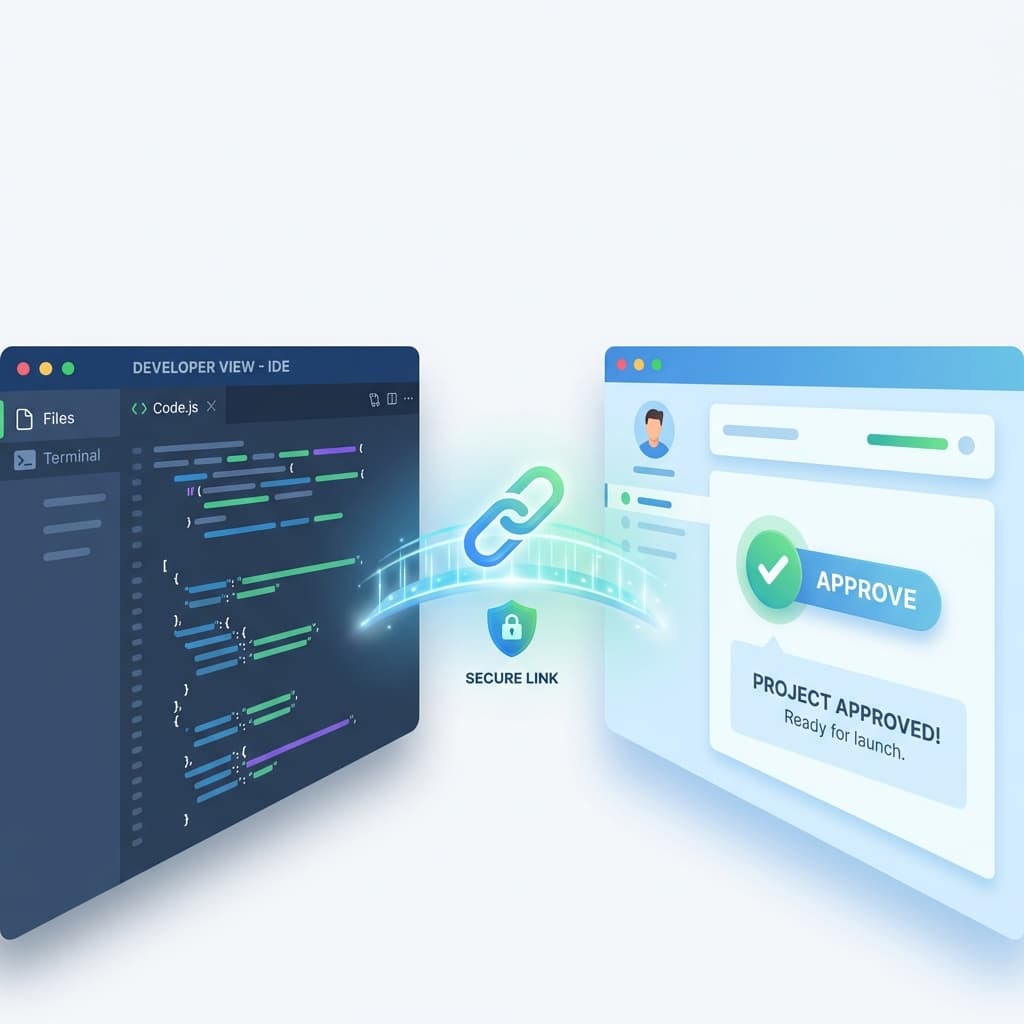

Seamless Workflow: Connect Requirements to Linear with One Click
Stop copy-pasting specs. uDocit's new Linear integration lets you turn approved stories into tracked issues instantly—and keeps their status in sync.
The gap between "Written" and "Done"
"The specs are in the doc. The tasks are in Linear. Who is going to copy them over?"
This disconnect is where velocity drops. Product Managers finish the specs in uDocit. Engineers live in Linear. Moving information between them usually involves:
- Copying the story title
- Pasting it into a new Linear issue
- Copying the description/acceptance criteria
- Pasting inside the issue
- Repeat 50 times for the whole sprint
It’s slow, boring, and prone to copy-paste errors.
We just fixed it.
Introducing uDocit + Linear Integration
Now you can connect your uDocit workspace directly to your Linear team. This turns your requirement docs from static text into an actionable backlog pipeline.
1) Connect your workspace
Go to Settings > Integrations and authorize Linear. Select the team you want to sync with. That's it.
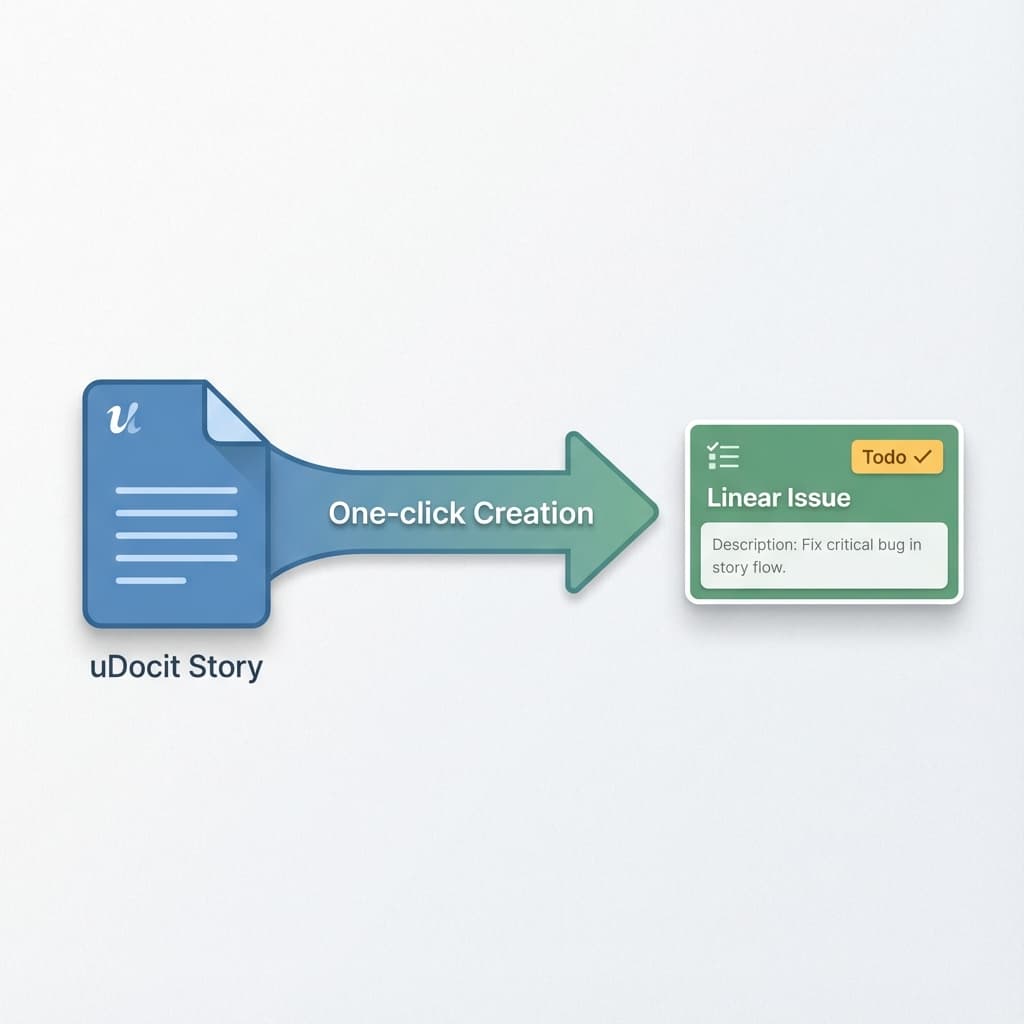
2) Create issues from stories
When your SRS or User Stories are ready, you don't need to open Linear. Just select the stories you want to push and click "Create Linear Issues".
uDocit will:
- Create the issues in your designated Linear team
- Automatically populate title and description
- Attach the link back to the original spec for context
3) Real-time status sync
This is the game changer. When an engineer moves a ticket to "In Progress" or "Done" in Linear, uDocit sees it.
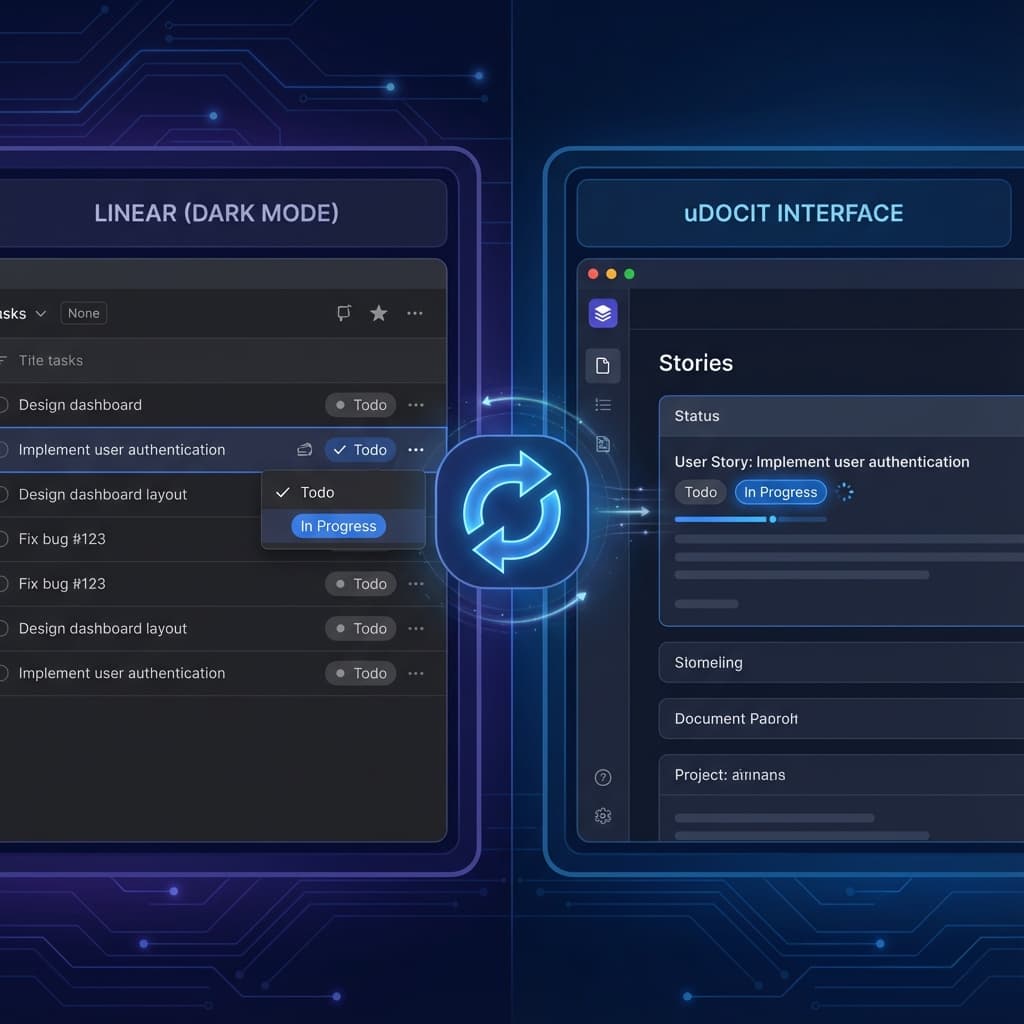
Your product dashboard stays up to date without you chasing people for status updates.
Why this matters for your workflow
| Without Integration | With uDocit + Linear |
|---|---|
| Manual data entry (Hours/sprint) | Instant sync (Seconds) |
| Disconnected specs and tasks | Traceable link from Requirement to Code |
| "What's the status of this story?" | Status is visible right in the doc |
Key Benefit Your requirements document doesn't die after sign-off. It becomes a live dashboard of delivery progress.
What about other tools?
We know Linear isn't the only player in town. Many of you are managing complex enterprise projects on Jira.
We are building a unified integration layer. If you are waiting for Jira integration to streamline your enterprise workflow, keep an eye on our next update. It’s closer than you think.
Try it today
The Linear integration is available now for all uDocit workspaces. Go to your project settings and connect your first team.