The uDocit MCP Server: Your IDE is now Project Aware
We are bridging the gap between your documentation and your code. Learn how the Model Context Protocol (MCP) enables your AI agent to read specs, check timelines, and log work without leaving your editor.
The biggest bottleneck in AI-assisted coding isn't generating code—it's context.
When you ask an AI to "implement the login page," it doesn't know about your design system, your user roles, or the acceptance criteria you wrote last week. You waste time copy-pasting spec docs into chat windows, only to have the model forget them ten messages later.
This "Context Gap" leads to hallucinated requirements and code that doesn't fit the spec.
Today, we're solving this with the uDocit MCP Server.
What is MCP?
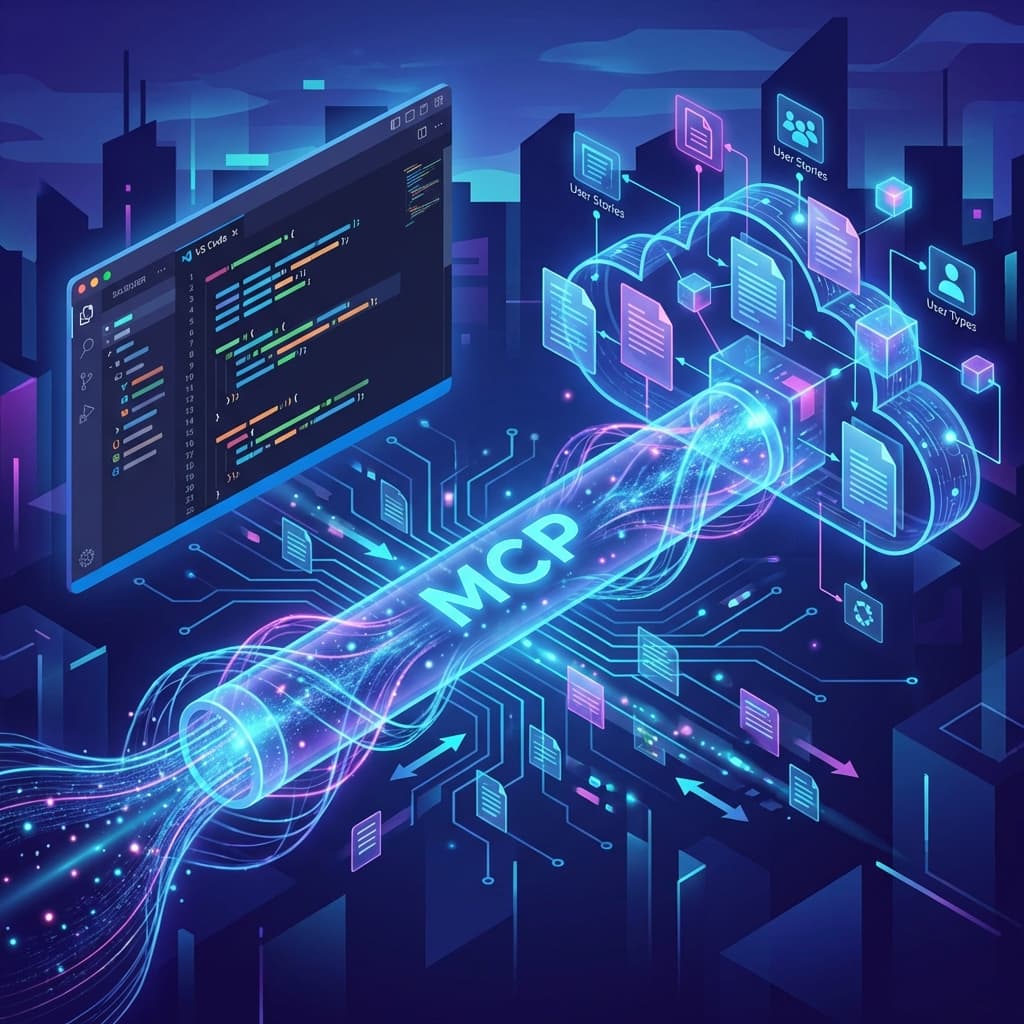
The Model Context Protocol (MCP) is an open standard that lets AI models talk to your data. Think of it like a USB port for AI context.
Instead of manually feeding your specs to an AI, you "plug in" uDocit to your agent. Your agent then gains the ability to pull fresh data from your project whenever it needs it.
The MCP Protocol connects your local environment securely to uDocit's live project data, enabling bi-directional context flow.
This connection fundamentally changes the workflow:
- You write specs in uDocit (User Stories, Personas, Features).
- You code in VS Code / Cursor.
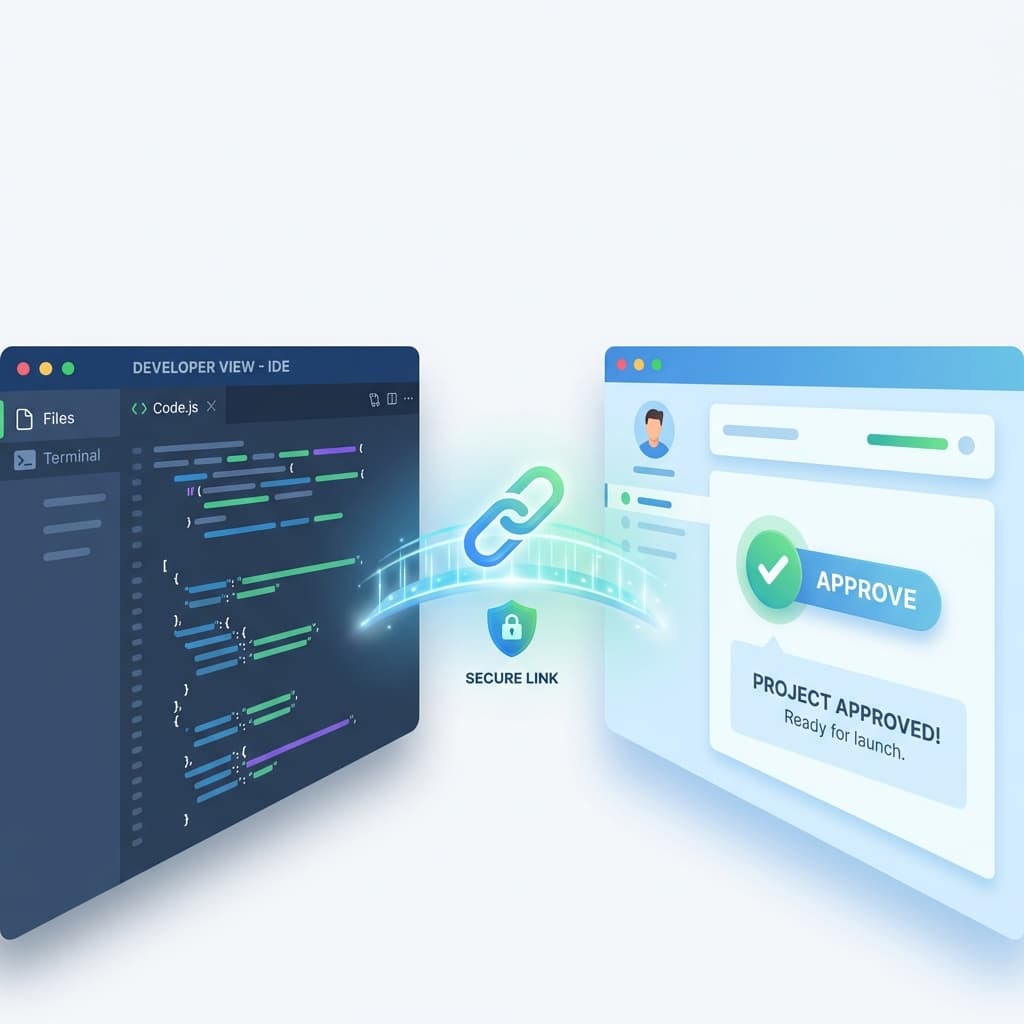
- Your agent bridges the two.
Why Connect Your IDE?
Once connected, your coding assistant becomes a Product Manager. It can read your stories, check your timeline, and even track your work—all without you leaving VS Code.
1. Zero-Hallucination Implementation
Stop guessing what the "Admin" user type is allowed to do.
User: "Write the auth middleware for the Admin user."
Without MCP, the AI guesses standard admin permissions.
With MCP, the agent queries get_user_types:
Agent (Internal Thought): I found a user type 'Admin' (ID: user-123). Permissions: manage_users, view_reports. Restriction: cannot_delete_projects.
Agent: "Based on your spec, the Admin has
manage_usersandview_reportsaccess, but I've explicitly blockeddelete_projectsas per the security requirements."
The code matches your spec 100%.
2. Bi-Directional Status Updates
Finished a story? Don't alt-tab to Jira or Linear. Just tell your agent.
User: "I finished the 'Login' story."
Agent: "Scanning stories... Found Story #4 'User Login'. Marking criteria 1-4 as passed. Project progress updated to 15%."
3. Smart Time Tracking & Auto-Calibration
This is where it gets magic. When you log work via MCP, uDocit compares your actual time vs. your estimated time.
- You estimate: 4 hours
- You log: 3 hours (via agent)
- uDocit records: -25% variance
If you consistently complete "High Complexity" tasks faster than estimated, uDocit learns. The next time you plan a sprint, it will suggest tighter estimates based on your real velocity.
Under the Hood: The Tools
We expose a rich set of tools to your agent. Here are a few key ones:
| Tool Name | What it does |
|---|---|
get_stories | Lists all user stories, filtered by status or sprint. |
get_story_context | Retreives deep details for a specific story, including related personas and edge cases. |
get_user_types | Returns all defined user roles and their specific goals/frustrations. |
report_actual_hours | Logs time spent on a task directly to the project budget tracker. |
get_project_status | Summarizes current blockers, deadlines, and overall velocity. |
How to Set It Up
We've made it incredibly easy. Go to Settings > MCP in your uDocit dashboard.
API Tokens
Cursor IDE
Read/Writemcp_cur...Created: Jan 20, 2026Last used: Just nowClaude Desktop
Read-onlymcp_cla...Created: Jan 18, 2026Last used: 2 hours agoMCP Configuration
Use this configuration to connect your IDE or agent to uDocit.
{
  "mcpServers": {
    "udocit": {
      "url": "https://udocit.com/api/mcp/mcp",
      "headers": {
        "Authorization": "Bearer mcp_..."
      }
    }
  }
}- Create a Key: Generate a new API key (Read-only or Read/Write).
- Copy Config: We provide one-click configuration snippets for Cursor, VS Code, and Claude.
- Chat: Your agent is now context-aware.
Real-World Scenario: The "Context-Aware" Refactor
Imagine you need to refactor a payment flow.
Without MCP:
- Read the old code.
- Search Slack/Docs for why it was written that way.
- Hope you don't break a requirement you forgot about.
With uDocit MCP: You simply ask: "Check the 'Payment Flow' story constraints and tell me if removing the phone number field violates any requirements."
Your agent checks get_stories and get_test_cases instantly:
"Yes, it violates Requirement #3.1: 'For fraud prevention, a verified phone number is required before transaction'."
You just saved a bug from hitting production.
Try it today
The MCP Server is available now for all Pro users. Stop context switching and start coding with a partner that actually knows your project.