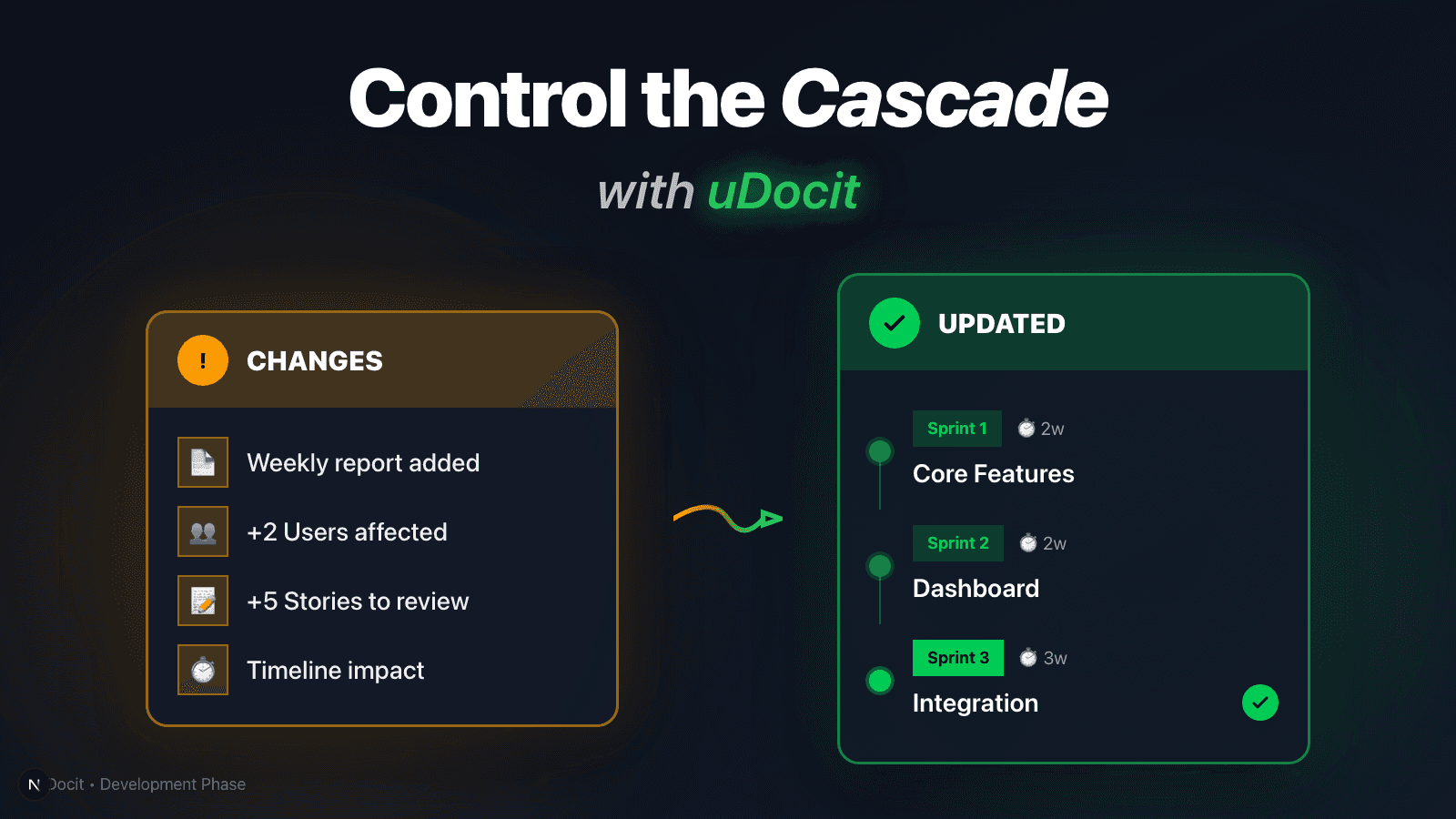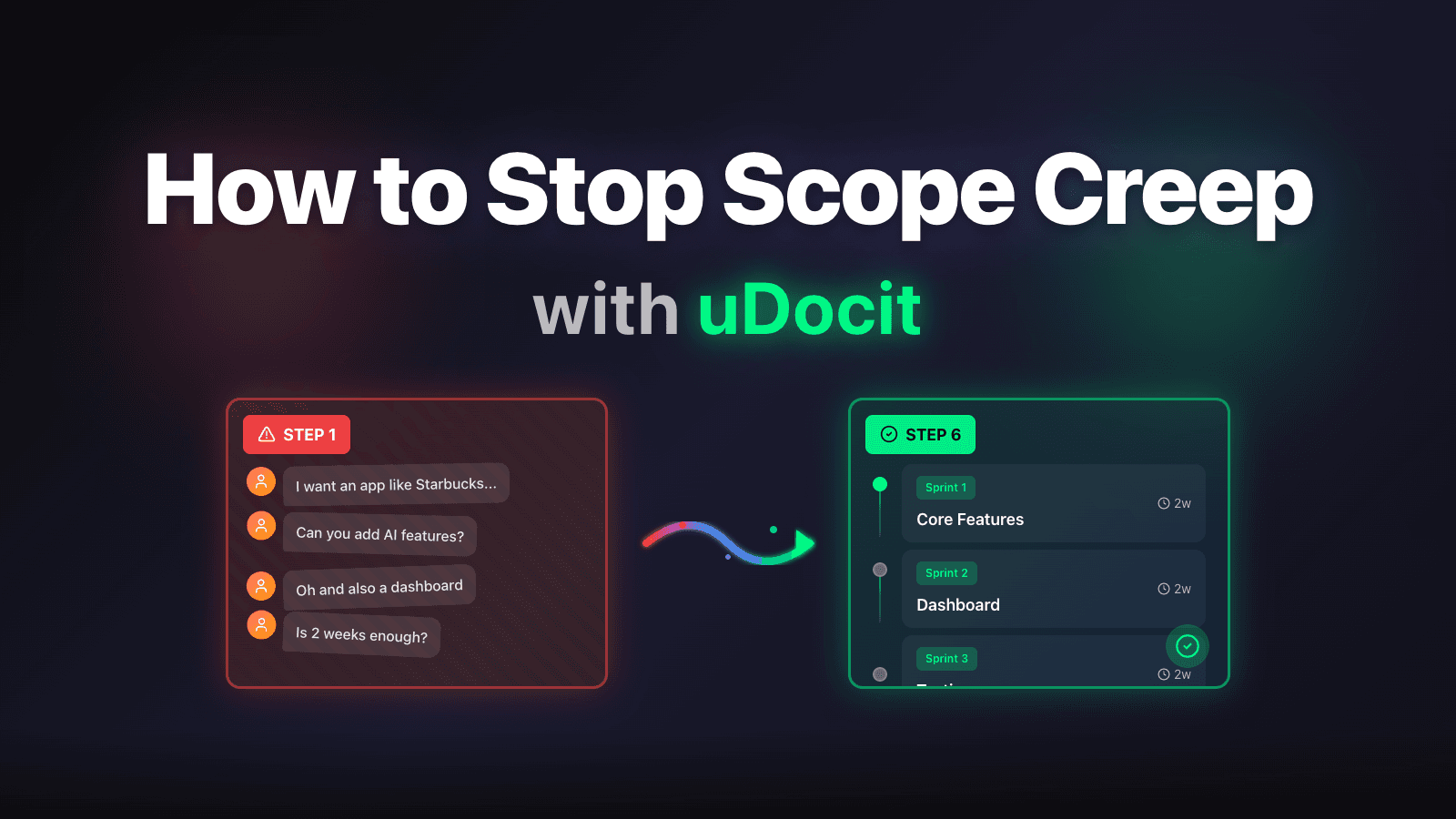
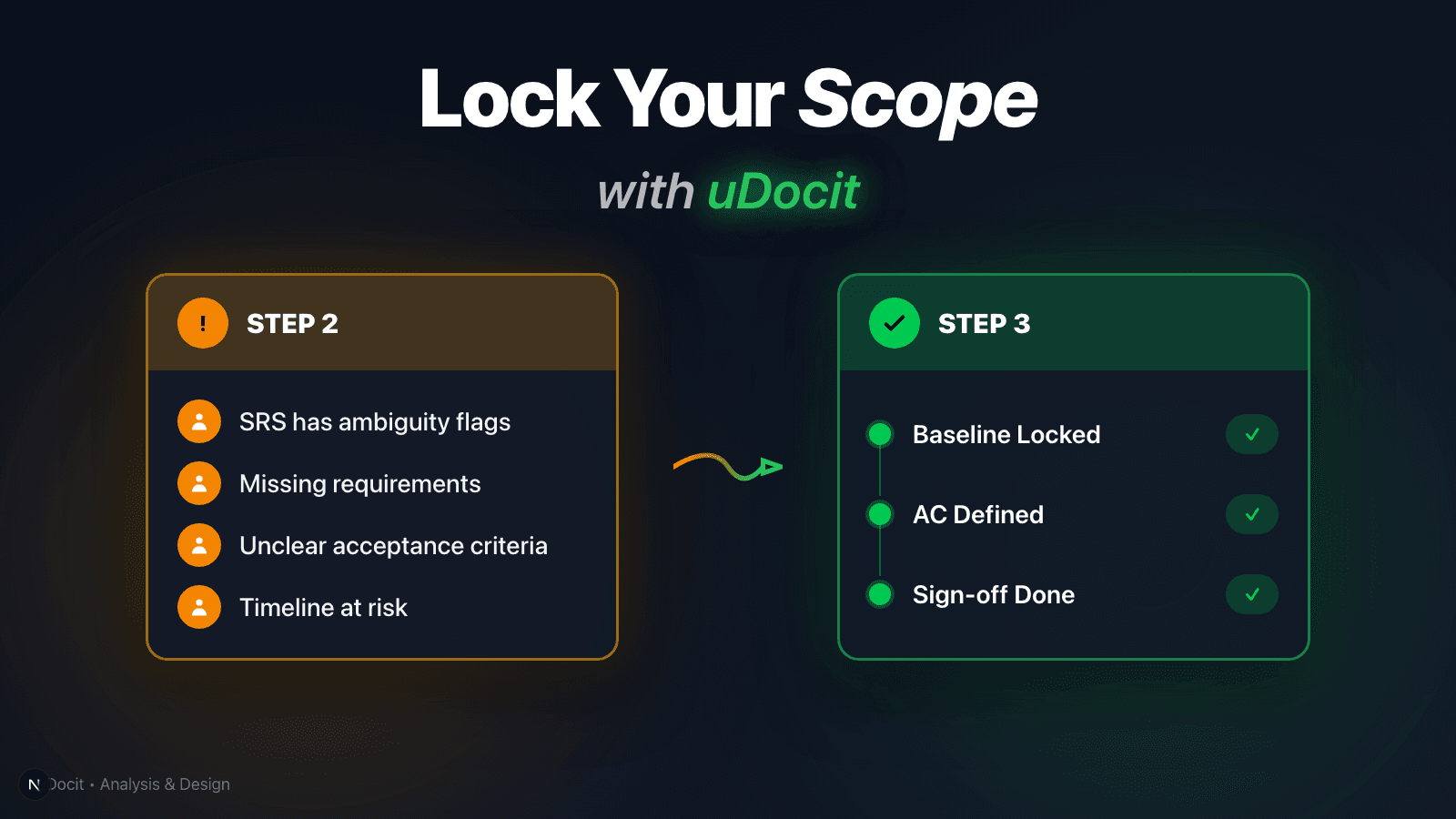
Freelancer Analysis & Design Phase: Lock the Scope with SRS Sign-off
After the contract, the next 1–2 weeks decide whether your 4–12 week build stays stable. Use SRS + design docs (and uDocit) to set a baseline and turn changes into change requests.
If you skip this step, your 4–12 week build will wobble
"We signed the contract and paid the deposit… Can you just start development right away? We’ll adjust the screens once we see them."
In freelance projects, this is one of the most dangerous sentences.
In the first post, Scope Defense Strategy for Freelancers, we covered how to turn a client’s vague request into:
- a structured scope document
- evidence-based estimates and timeline
- a negotiation position strong enough to prevent scope creep
Now comes the next gate in the sequence diagram:
Phase 2 — Analysis & Design (1–2 weeks)
The goal of this phase is simple:
Turn “what we agreed to build” into an approved baseline. After that, changes become change requests—not surprises.
(All screenshots below are from the real uDocit workflow.)
What actually happens in the Analysis & Design phase
In the typical freelance sequence, Phase 2 looks like this:
| Deliverable | Workflow | Typical effort |
|---|---|---|
| SRS (Software Requirements Specification) | Draft → Feedback → Revision → Sign-off | 8–16h + 1–2h + 2–4h + 10m |
| System / UI design docs | Draft → Feedback → Revision → Final sign-off | 8–24h + 1–2h + 2–8h + 10m |
The important word here isn’t “document.” It’s sign-off.
If you move into development without sign-off, Phase 3 starts producing these lines:
- “Wait, isn’t that obviously included?”
- “Let’s change it once we see the screen.”
- “Can we also make it work like this?”
And that’s how you end up in infinite revision mode.
SRS isn’t paperwork. It’s your scope shield.
<Figure src="/blog/analysis-design/infographic-shield-en.png" alt="SRS Shield" caption="A signed SRS protects your timeline from scope creep arrows." className="max-w-[500px] mx-auto" />A solid SRS answers five questions:
- What are we building? (scope, goals, constraints)
- Who is it for? (user types, journeys, permissions)
- What counts as done? (acceptance criteria, definition of done)
- What’s missing or risky? (assumptions, non-functional needs, blockers)
- How long will it take? (effort, milestones, timeline)
If you lock these answers in a form the client can approve, development becomes predictable.
Key takeaway
In freelance work, SRS sign-off is the first real gate that makes “starting development” safe.
Build an SRS draft from your existing docs with uDocit
Doing SRS manually usually looks like this:
- Find a Notion/Google Doc template
- Copy/paste from PRD, emails, meeting notes, Slack/KakaoTalk
- 3–5 feedback rounds because the draft is incomplete and ambiguous
- Nobody is sure what the “latest version” is
With uDocit, you start from the client’s materials and generate a structured baseline.
1) Start with risk analysis (the front page of your SRS)
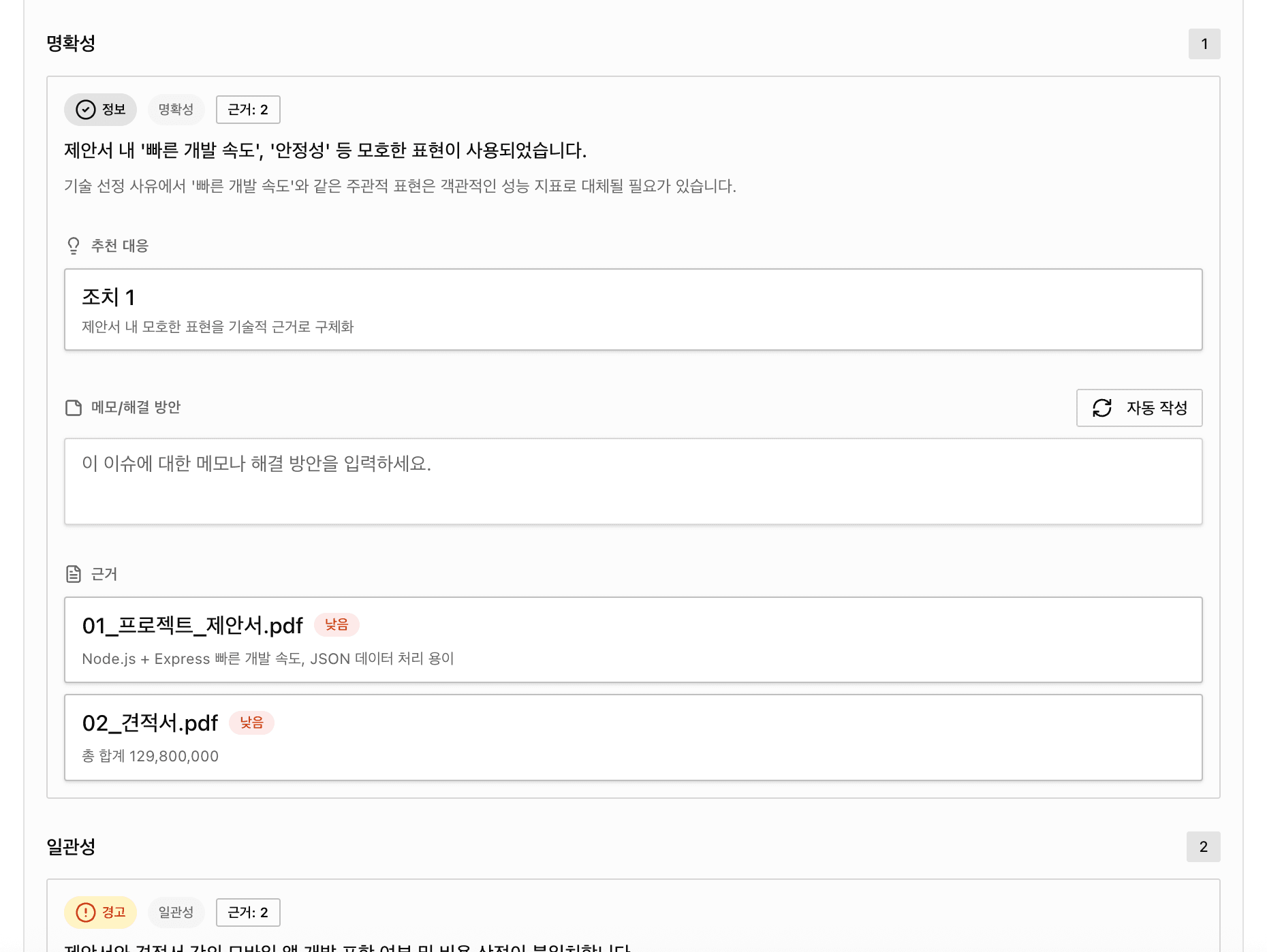
How to use this in Phase 2:
- BLOCK issues must be resolved before SRS approval
- WARNING issues should be written into the SRS as explicit assumptions
This is where you stop future fights.
2) Project overview = your scope baseline
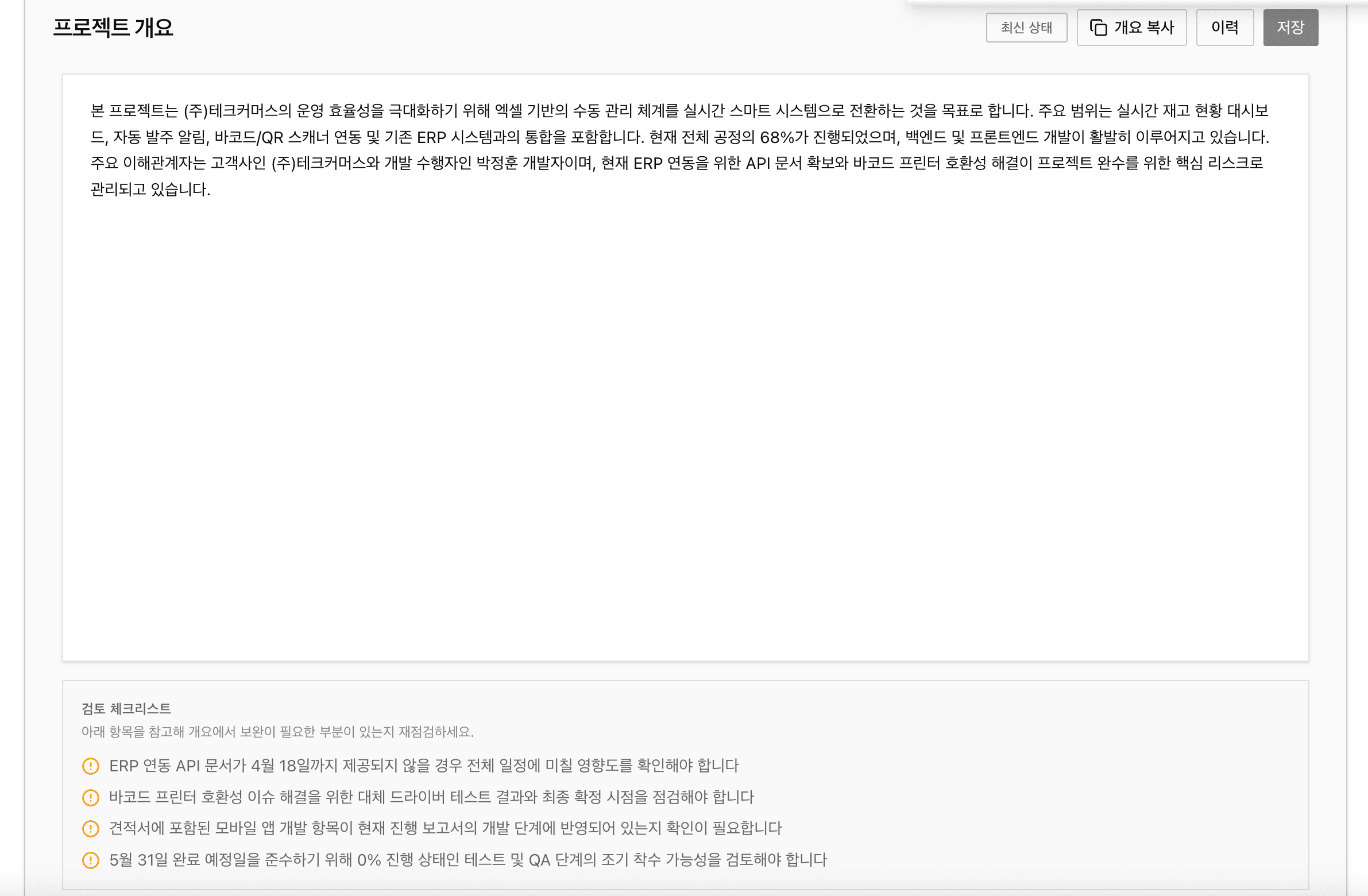
Make sure you get alignment on:
- MVP definition (what “core” actually means)
- Out of scope (what is explicitly not included)
- Hard constraints (deadline, budget, required platforms)
3) User types & journeys = where UI design really starts
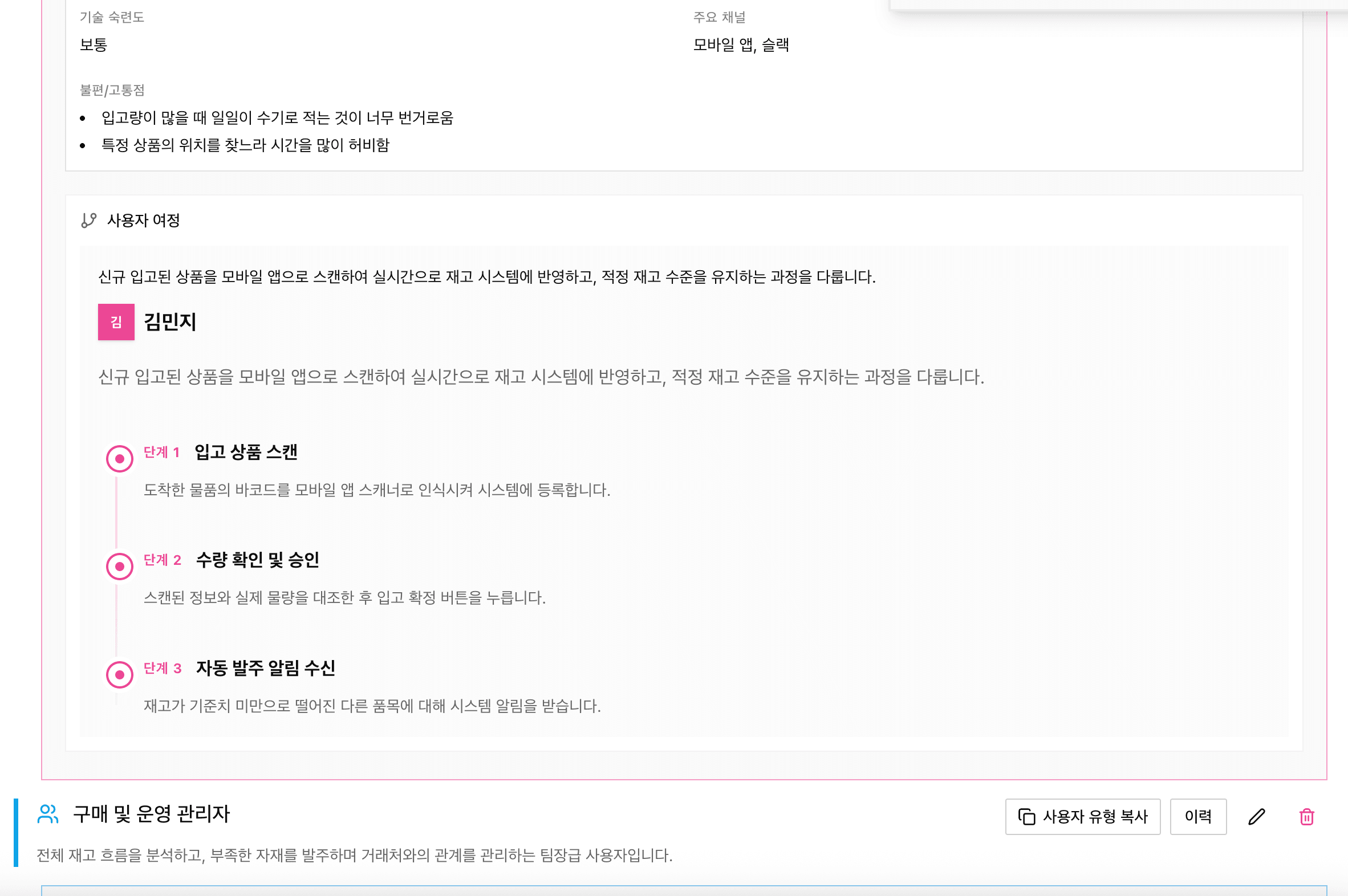
If all you have is “users,” your design doc collapses.
uDocit helps by splitting user types and clarifying:
- goals
- pain points
- permissions
- journeys
That becomes the backbone for UI flow and screen design.
4) User stories + acceptance criteria = your dispute-proof checklist
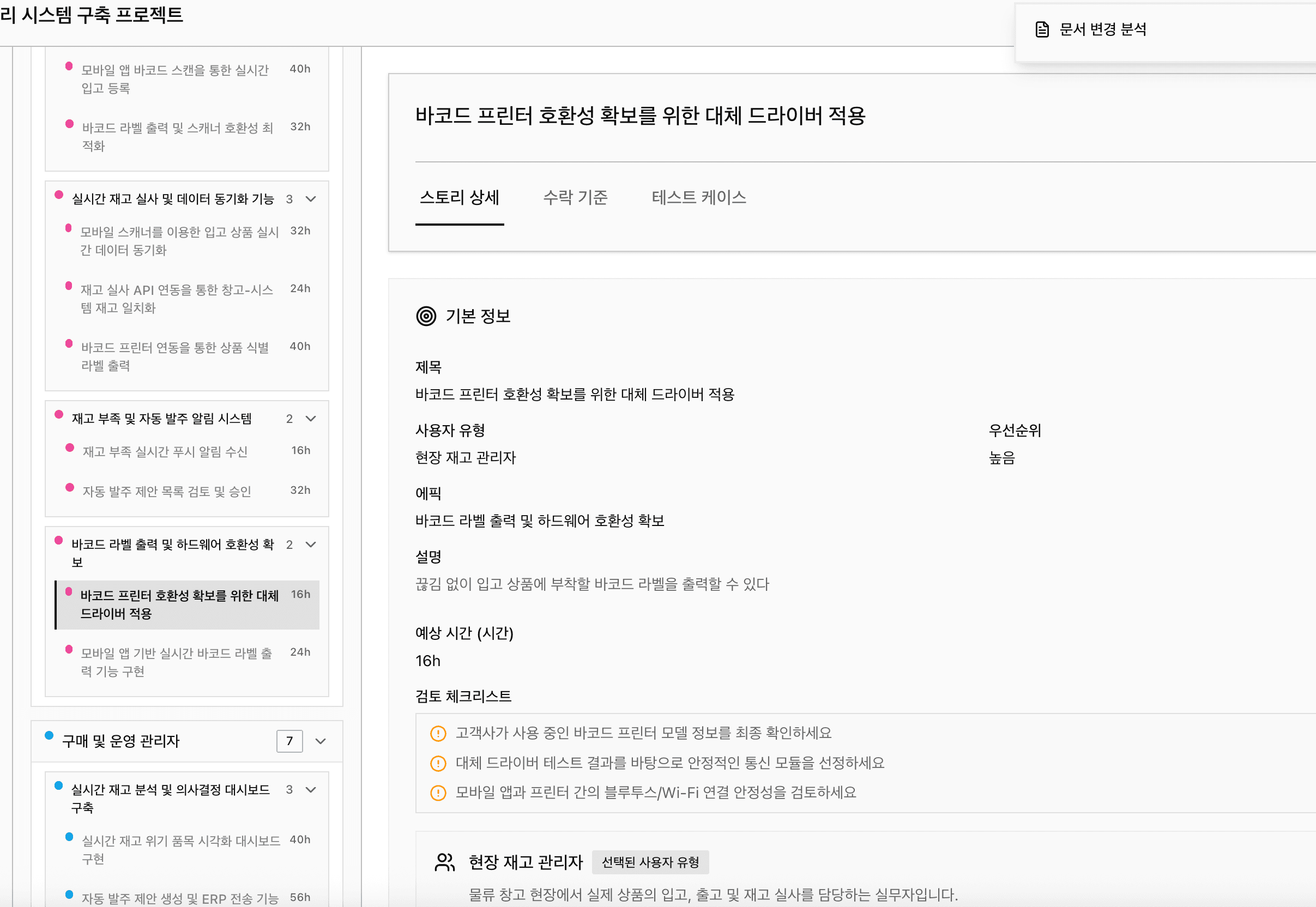
In one sentence, acceptance criteria means:
The conditions that must be true for a feature to be considered complete.
Without AC, final review turns into:
- “Add one more button…”
- “It should obviously work like this…”
- “What about this edge case?”
With AC, the conversation changes:
- ✅ “Did we satisfy the agreed AC?”
- ✅ “Is this a new AC (i.e., a change request)?”
5) Timeline = from “3 months” to an actual plan
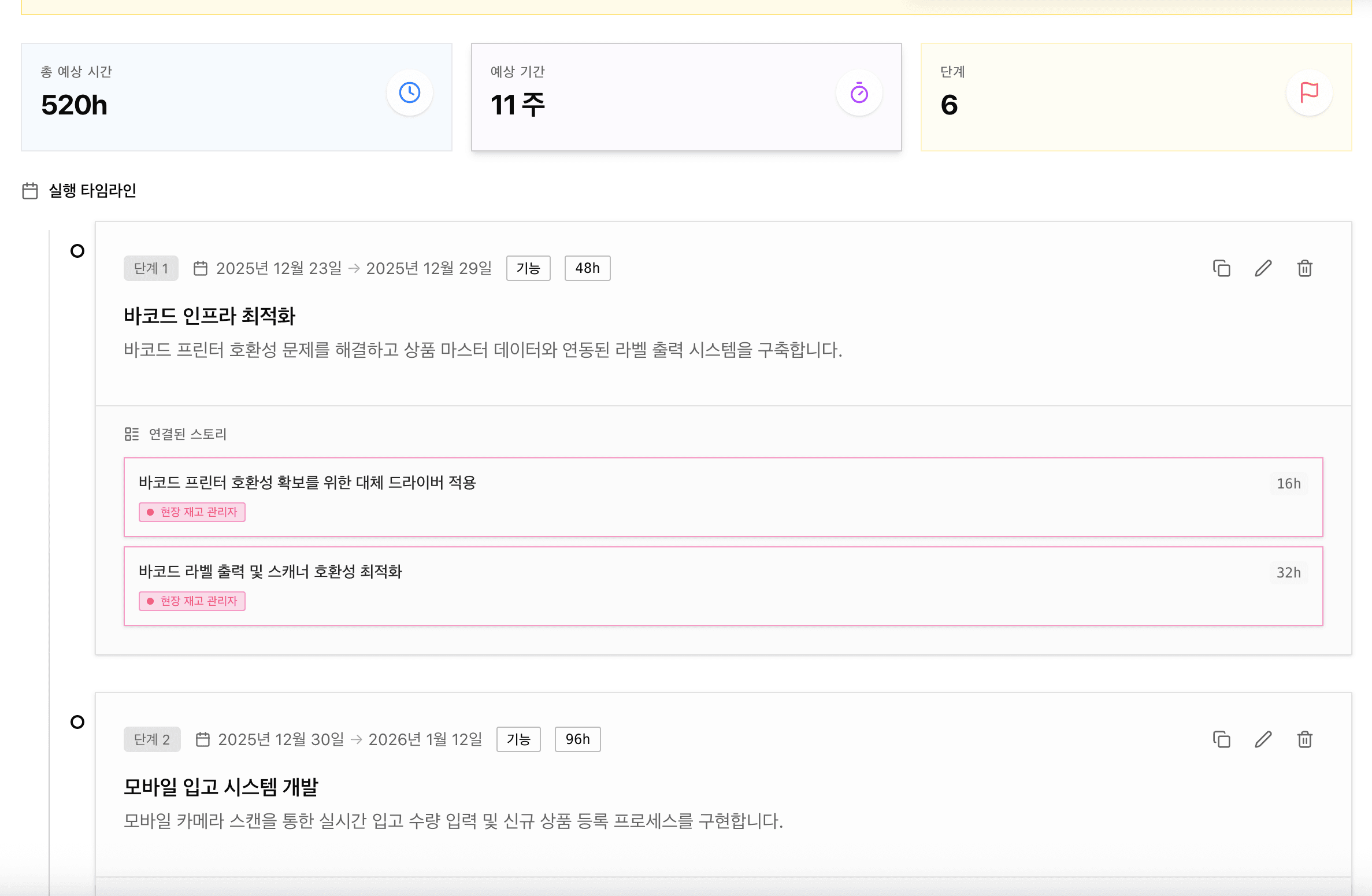
This matters even during design:
- If the scope grows, the timeline grows.
- If the timeline is fixed, scope must shrink.
So design feedback is also timeline feedback.
Cut feedback rounds by asking better questions
Most Phase 2 delays happen because feedback arrives as “do this / change that.”
If you used uDocit to generate a draft, request feedback like this instead.
Feedback request template (copy/paste)
SRS Feedback Request (v1.0)
- Do you see any wrong assumptions in:
- goals & scope
- user types
- core journeys
- acceptance criteria (definition of done)
- What are we missing in:
- payments / security / personal data
- notifications / real-time
- admin / sales / settlement
- operations / downtime / recovery
- If you want to add anything, please write it as: (1) why it matters (2) priority (3) release timing (now vs later)
Change the questions, and you’ll get decisions instead of endless edits.
Design docs aren’t “pretty screens.” They’re “unambiguous screens.”
After SRS sign-off, you move to system design + UI design.
The biggest enemy here is interpretation:
- Where should the button go?
- What happens on loading / error / empty state?
- How does the screen change by permission?
This is where user stories + acceptance criteria become the skeleton of your design doc.
UI design checklist (attach to every screen)
- Which user type uses this screen?
- What is the success condition (acceptance criteria)?
- What are the edge cases (error / network / permission / sold-out)?
- What is the next step in the flow?
- Is this included in the MVP, or planned for later?
Finally, leave a sign-off statement
The strongest scope defense isn’t a clever argument. It’s a clear approval record.
Sign-off wording examples
- We will proceed with development based on SRS v1.0.
- Any changes/additions after sign-off will be handled as change requests, and we will decide whether to implement them after reviewing timeline/cost impact.
This one paragraph prevents most “but it’s obviously included” disputes.
Next: how to stop the “question bomb” during development
Once Phase 2 is approved, you enter Phase 3 (Development).
In the next post, we’ll cover:
- how to reduce “What should we do in this case?” questions
- how to turn small change requests into explicit scope/cost negotiations
using the same uDocit workflow.
Try it yourself
Before you jump into coding after the deposit, try this sequence first:
SRS draft → feedback → sign-off