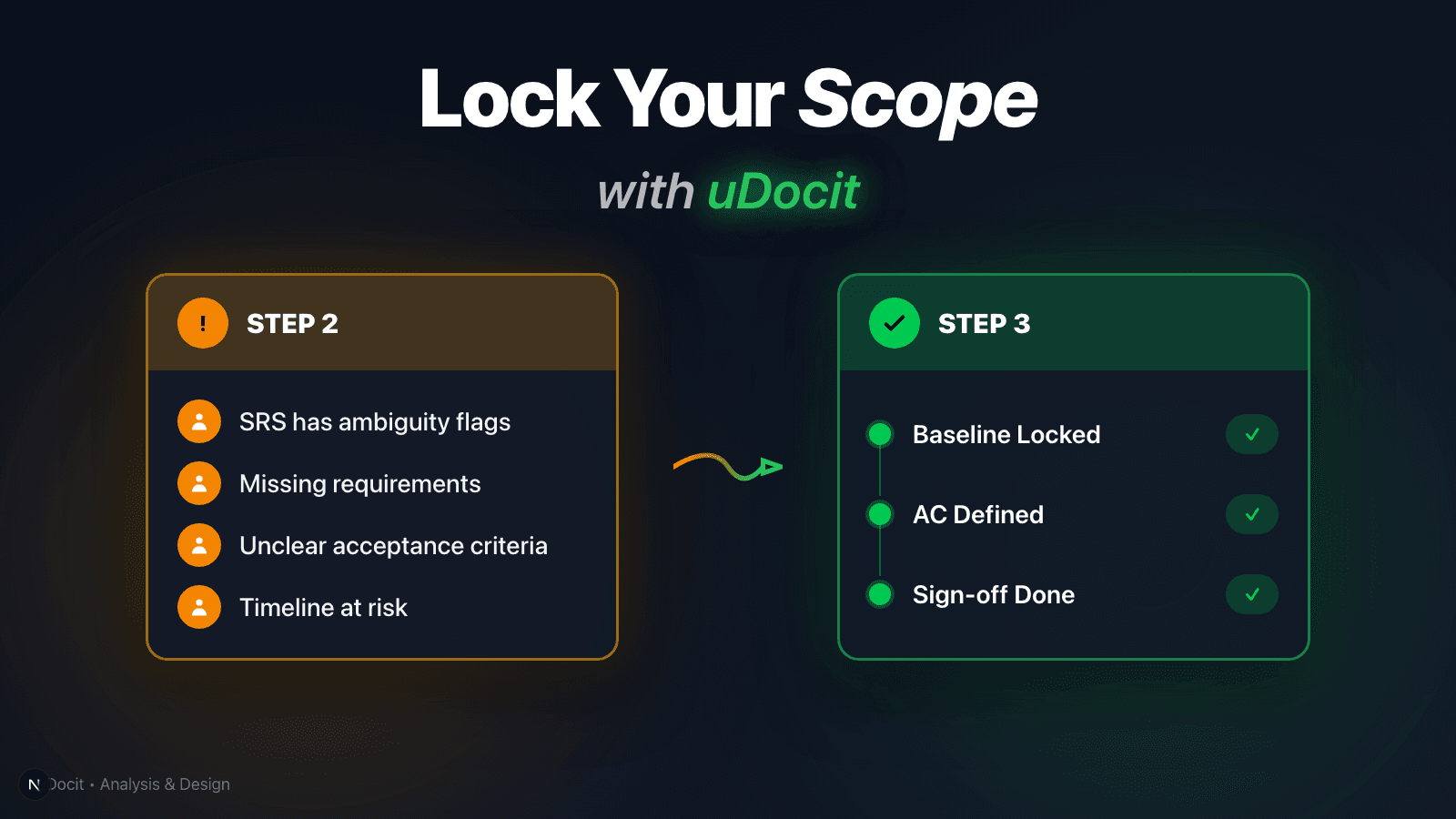
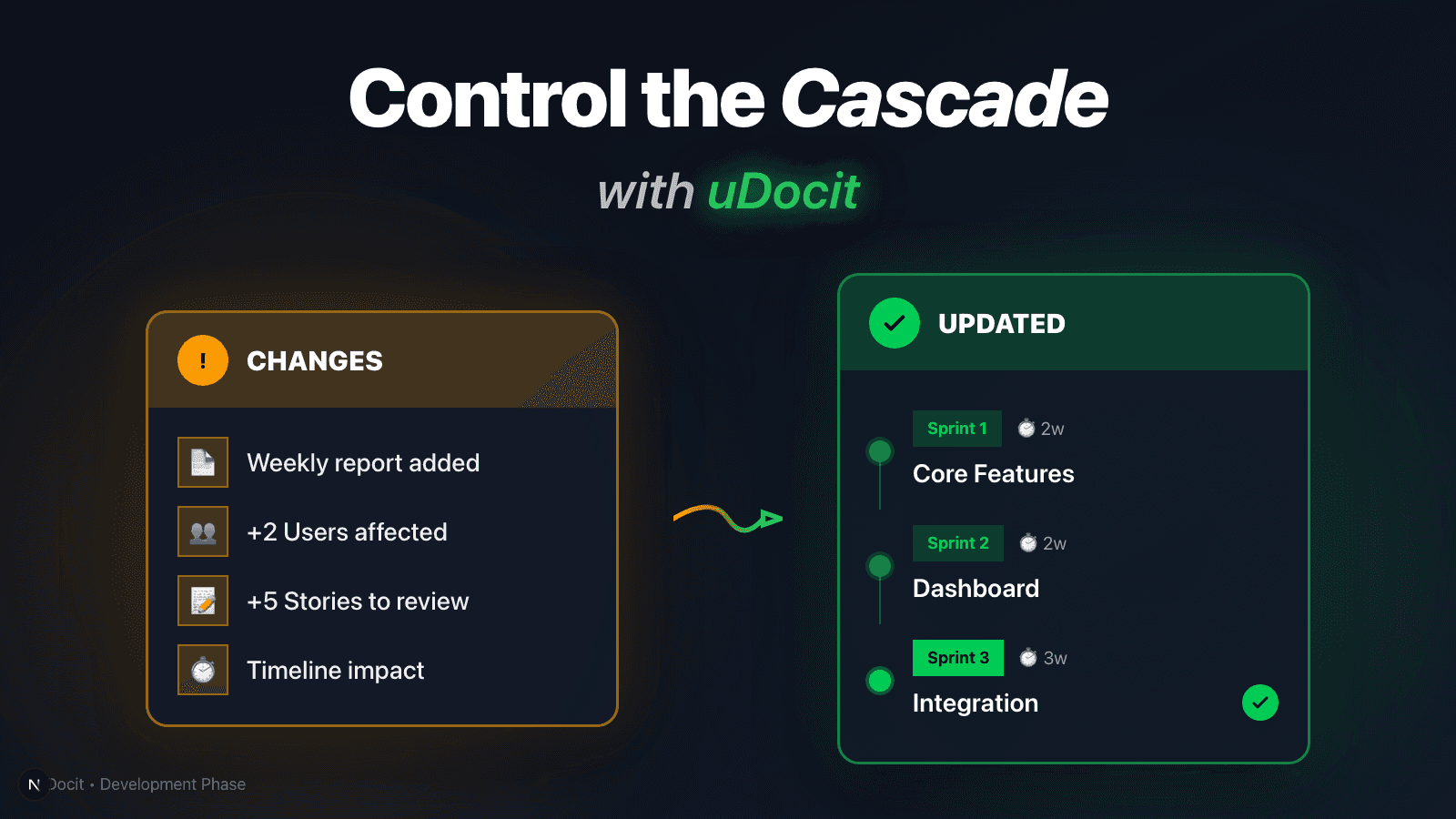
Freelance development phase: control change requests with Document Change Analysis
Once development starts, requirements will change. Learn how uDocit’s Document Change Analysis keeps users, stories, and timelines in sync—so you can negotiate changes with evidence, not memory.
The development phase is not “just coding.” It’s “handling change.”
In freelance projects, the most exhausting part is rarely a bug.
It’s change:
- A “small request” sneaks into a weekly update
- A stakeholder says “this is easy, right?” mid-sprint
- The timeline stays the same, but the scope keeps growing
- And the final week turns into a panic: “Why are we late?”
If the development phase lasts 4–12 weeks, change requests will happen repeatedly.
So your real advantage is not typing faster—it's having a repeatable change approval routine.
Why change becomes risky: fragmentation, not complexity
Change itself is normal.
The real problem is that changes arrive through fragmented channels:
Slack, DMs, email threads, meeting notes…
Then nobody can answer:
“Which change was approved, and where is it reflected (users/stories/timeline)?”
That’s how projects turn into a memory game—and eventually, a dispute.
uDocit’s approach: when a new document arrives, compute the project-wide impact
During development, “change inputs” usually look like this:
- weekly reports (progress + issues + next steps)
- updated API docs / policy docs / design revisions
- new requests like “we also need this feature”
With uDocit, adding a new document triggers Document Change Analysis.
It checks how the new information impacts your existing project artifacts (overview/users/stories/timeline) and turns it into apply-or-ignore proposals.
1) In development, “upload a doc” should mean “start change tracking”
When you add a new document to your project, Document Change Analysis starts automatically.
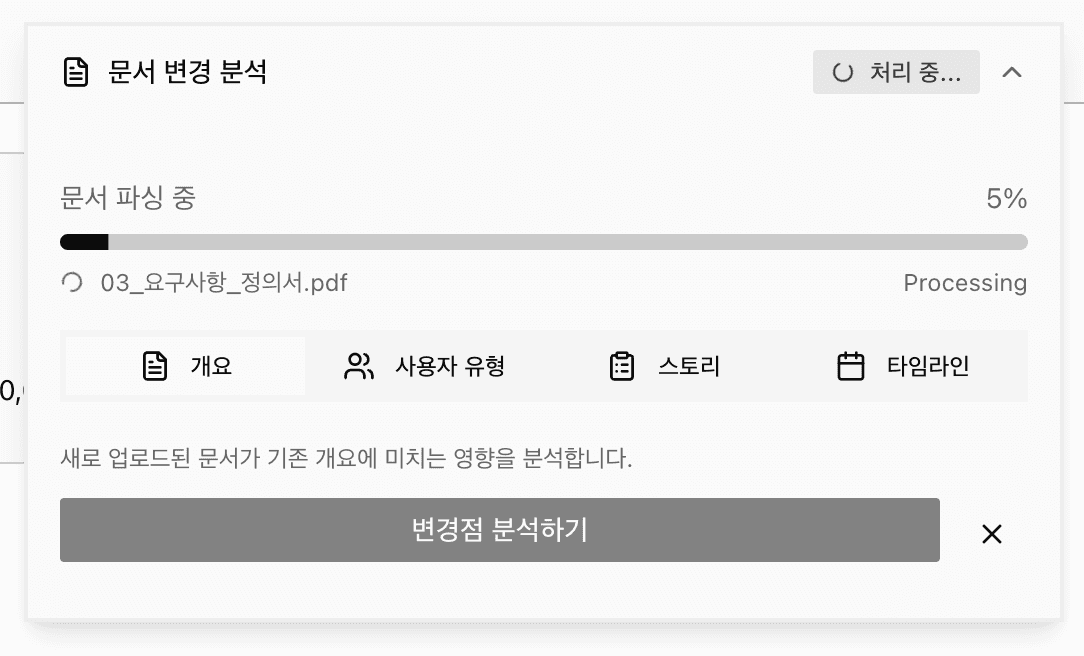
The goal is to build a habit:
- don’t process change only in chat
- capture change as a document update
- apply changes only after approval
2) If user roles change, everything downstream changes too
<Figure src="/blog/dev-phase/infographic-cascade-en.png" alt="Cascade Effect" caption="When a user role changes, it creates a ripple effect through stories, timeline, and cost." className="max-w-[400px] mx-auto" />In real projects, a requirement change is rarely “just UI.”
Often the user definition changes:
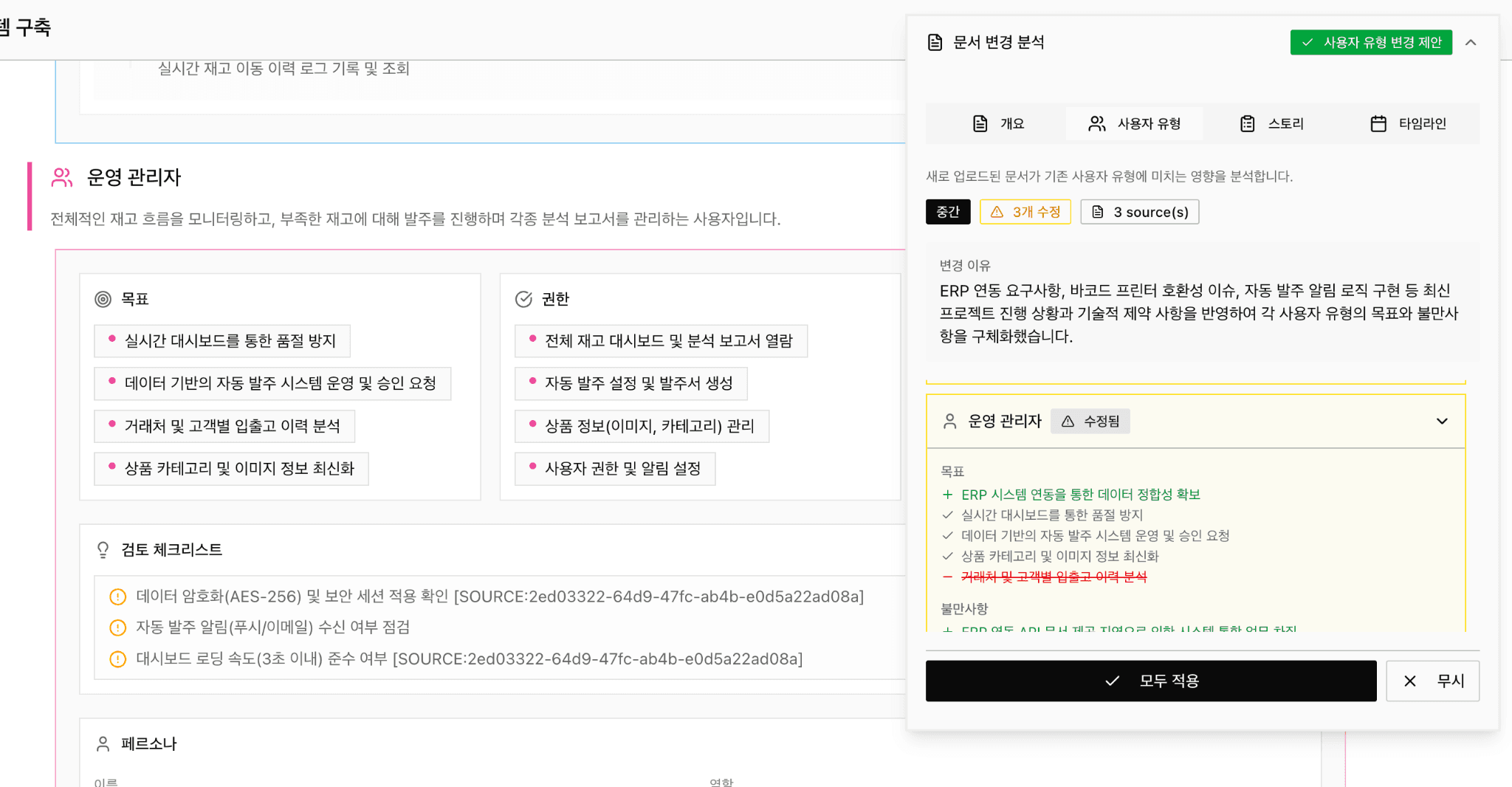
An “Operations Admin” role might expand due to ERP integration, auto-reorder logic, or barcode printer constraints—changing goals, permissions, and pain points.
uDocit highlights user-type changes so you can review and approve them quickly.
Practical tip:
Before discussing screens and features, update: who does what, and why.
If you skip this, your design becomes patchwork by mid-project.
3) “Reasons” are what enable negotiation
In change discussions, what changed matters—but why matters more.
- Why are new stories being added now?
- What source (weekly report / issue / doc) justifies it?
- Does it conflict with the original scope and schedule?
uDocit doesn’t stop at “+3 stories.” It generates a clear change reason.

This is how your conversation changes:
- Before: “Please add this.” → “Okay…” (scope leaks silently)
- After: “We can add it. This introduces 3 new stories with measurable impact. Please choose an option.”
4) The final truth is always the timeline
The most common failure mode:
Requirements grow,
timeline doesn’t,
and the last week becomes overtime.
In the Timeline tab, uDocit summarizes the change size and proposes timeline adjustments with the reasoning.
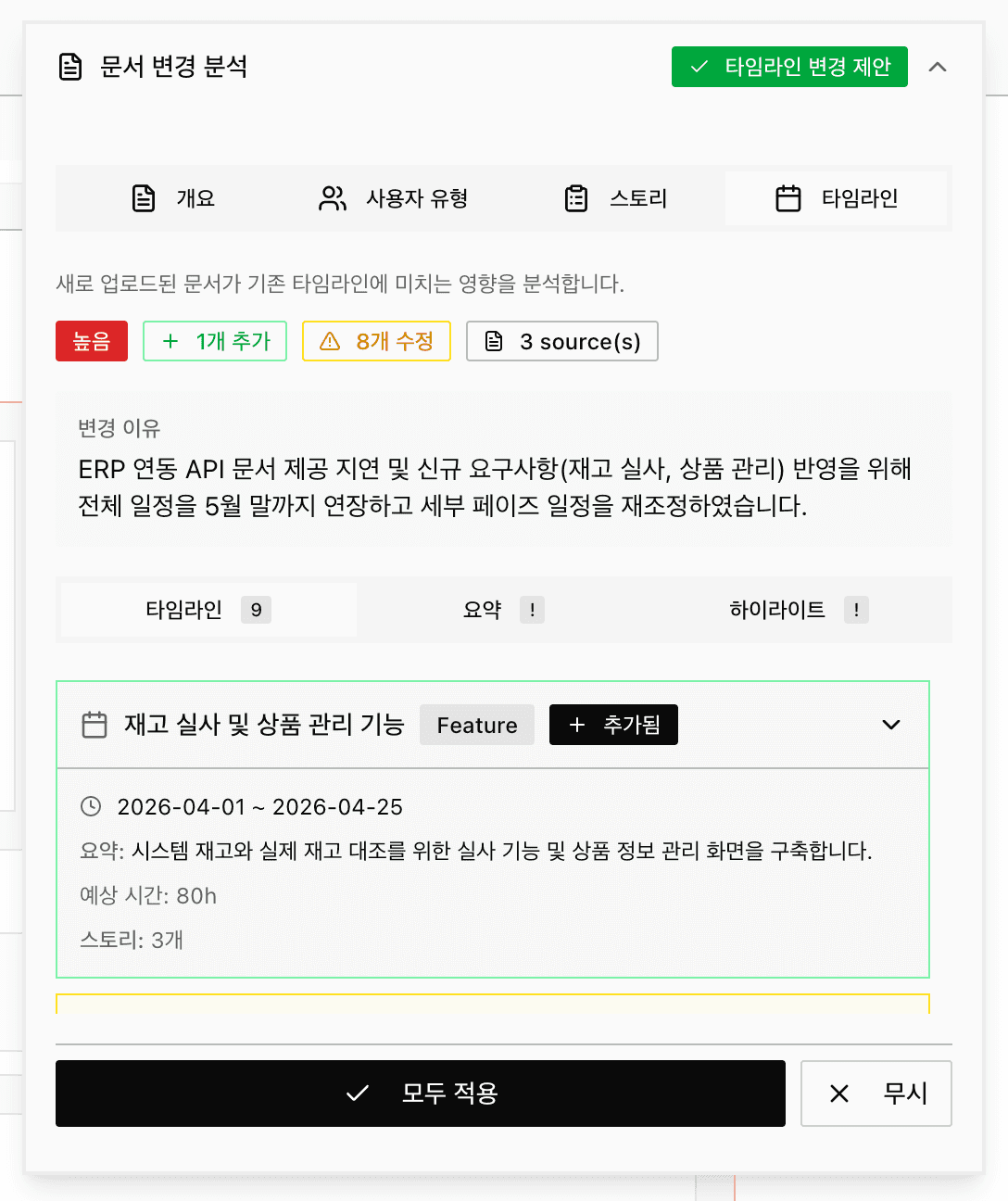
The UI is helpful, but the process matters more:
- ✅ apply after approval
- ❌ hold or ignore before approval
- keep a change log
A ready-to-use change response template (copy/paste)
Freelancers often lose money because they “accept” without framing options.
Use this template to respond with clarity:
[Change Request Response Template]
Request: (one-line summary)
Source: (doc / weekly report / issue)
Impact: (users/stories/timeline changes: added n, updated n, risk level)
Option A) Keep timeline → reduce scope (what moves to later)
Option B) Keep scope → extend timeline (weeks / hours)
Option C) Keep both → adjust budget / resources
With uDocit’s change analysis output, you can fill this in within minutes.
A simple weekly routine: report → add doc → analyze → approve → apply
<Figure src="/blog/dev-phase/infographic-loop-en.png" alt="Change Control Loop" caption="Turn chaos into a structured loop: Report, Analyze, Approve, Apply." className="max-w-[500px] mx-auto" />Run this once per week:
- Add weekly report (progress/issues/next steps) to the uDocit project
- Review Document Change Analysis
- For high-impact changes, request explicit approval
- Apply approved changes and keep a change log
Closing: great developers ship by organizing change fast
You don’t win freelance projects by coding faster.
You win by turning change from “chat” into documents + approvals.
Document Change Analysis helps you keep a single, consistent view of the project—so you negotiate with evidence, not memory.
“Code is written by developers.
But timelines and trust are protected by change control.”
References
- Scrum Guide 2020: https://scrumguides.org/scrum-guide.html
- Atlassian Change Control Process: https://www.atlassian.com/itsm/change-management/change-control-process
- PMBOK 6th (Perform Integrated Change Control): https://www.pmi.org/-/media/pmi/documents/public/pdf/pmbok-standards/pmbok-guide-6th-edition-5th-printing.pdf